Pagalba
 Kontaktai
 Atsiliepimai
 Verslui
 Varlė
Varlė


Krepšelis tuščias
Turite Varlės paskyrą?
Prisijunkite, kad pamatytumėte krepšelio turinį
Prisijungti

 Visos prekės


 Krepšelis
Tuščias
Prekių
Krepšelis
Krepšelis
Tuščias
Prekių
Krepšelis
Prisijunkite, kad pamatytumėte krepšelio turinį
Prisijungti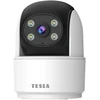
 4.5
4.5

 4.5
4.5
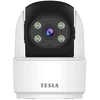
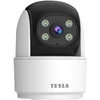
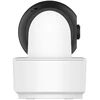
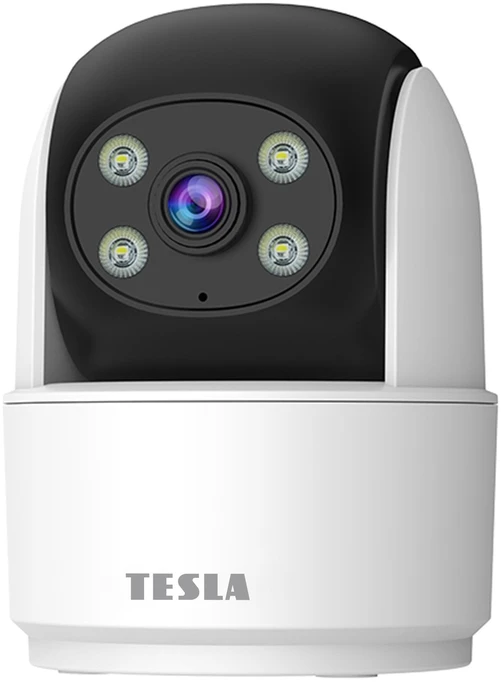
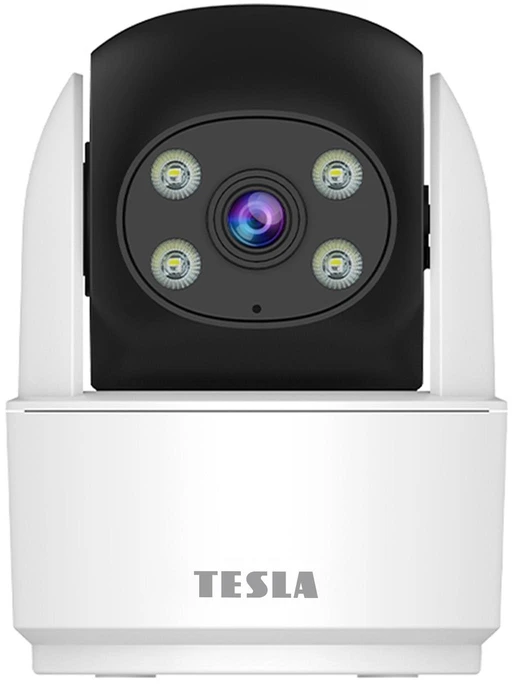
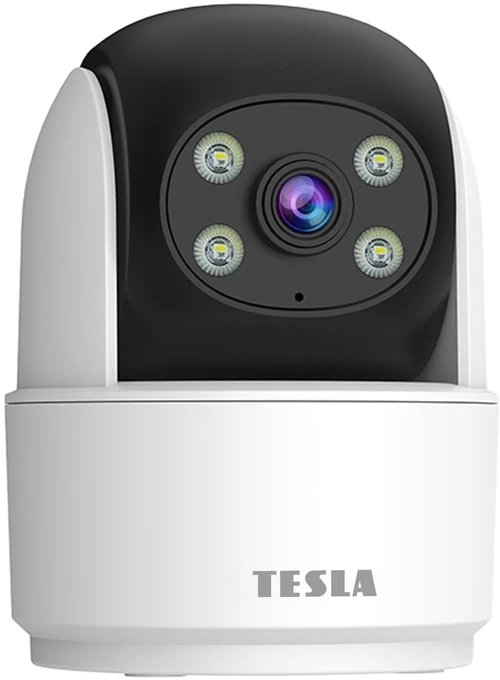
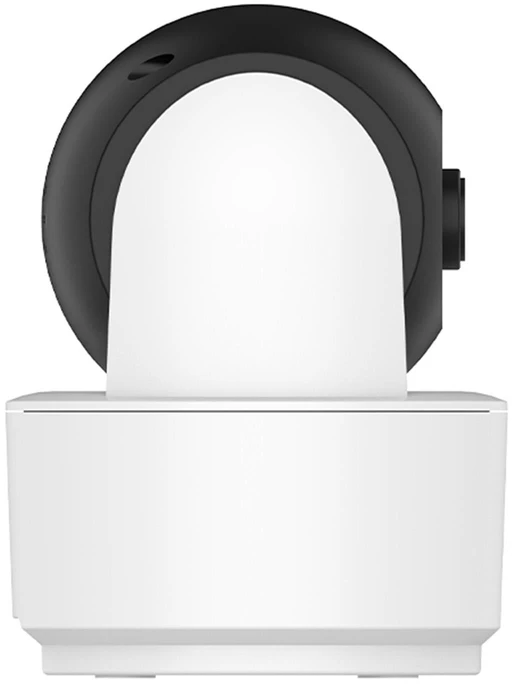
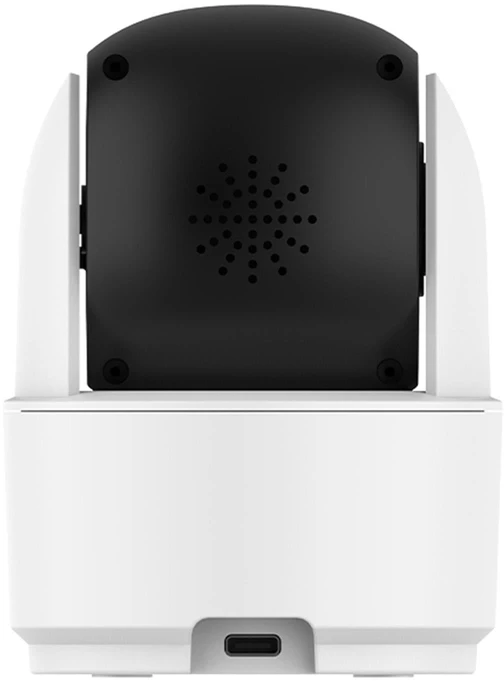
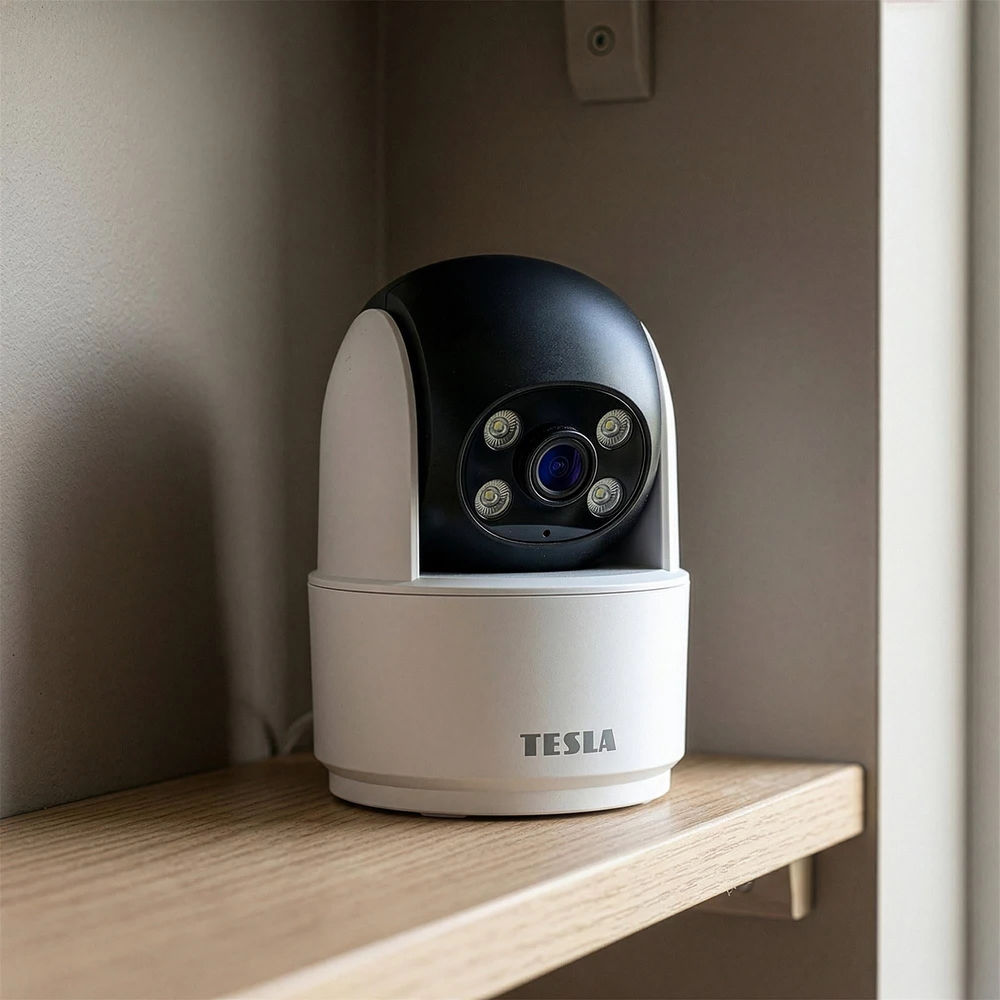
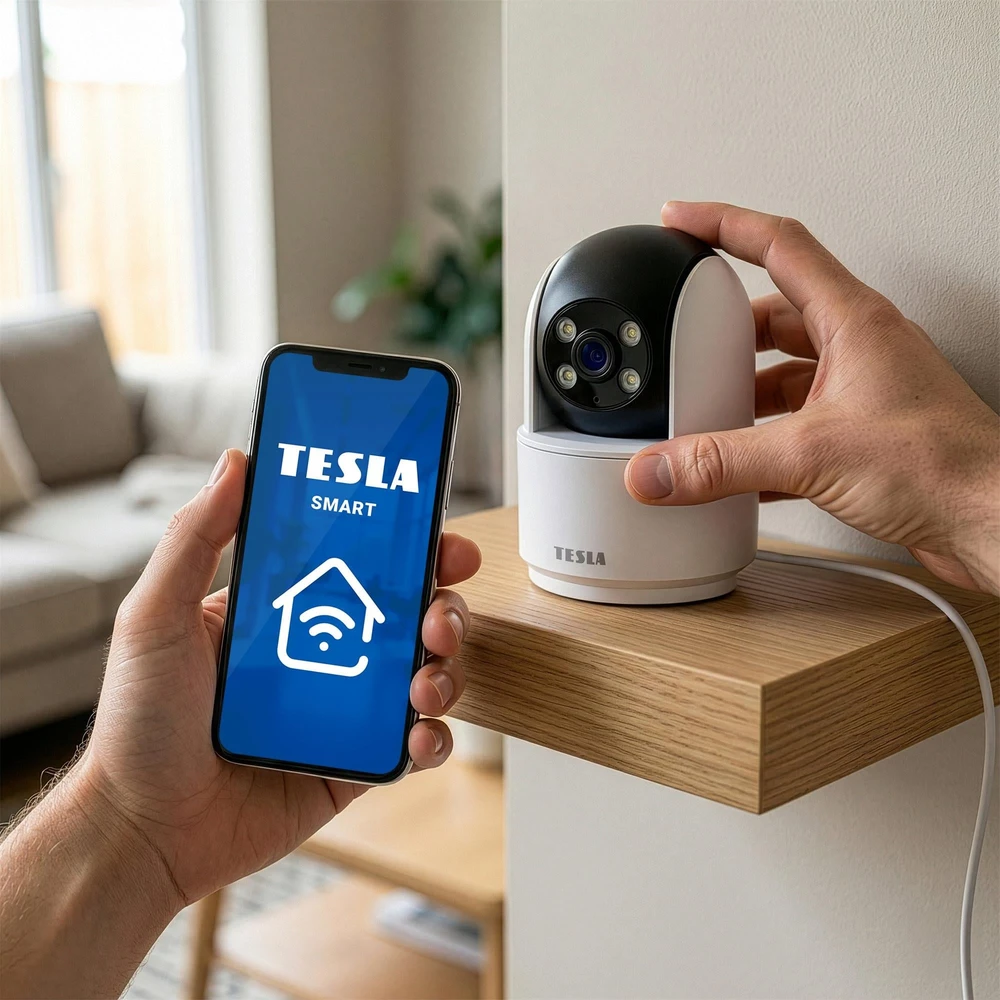
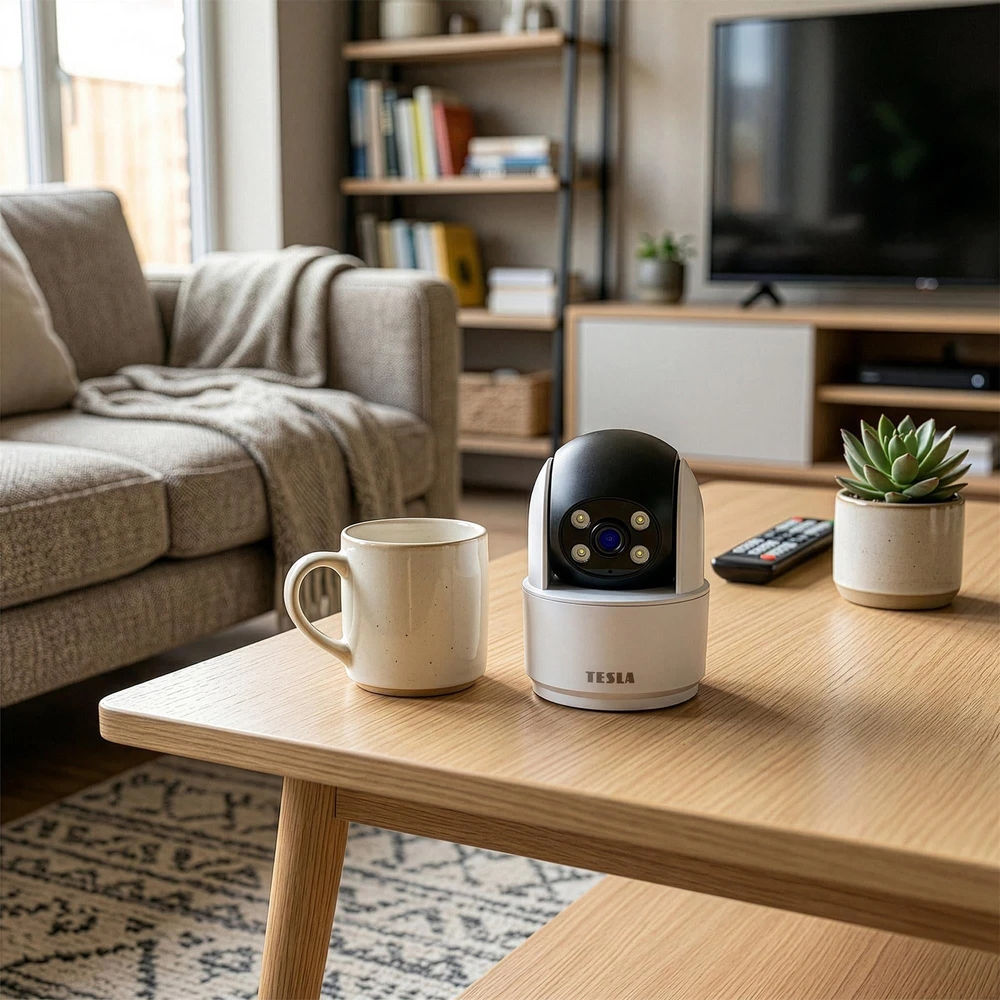
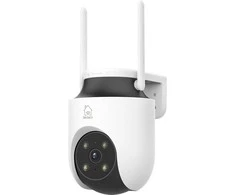
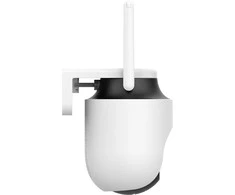
This indoor smart camera with 360° coverage helps you keep an eye on what’s happening at home through the TESLA Smart app. With 2 MP resolution, night vision, and two-way communication, it makes it easy to monitor remotely and interact with people in the room you’re watching. More Area Under Surveillance When you want to check on different parts of the room, you don’t have to manually move the camera. Motorized movement with a range of 310° horizontally and 115° vertically, combined with the lens’s field of view, provides 360° coverage of the space. You can adjust the camera’s direction as needed and quickly assess the situation in multiple areas of the interior without having to be right next to the device. Clear Images Day and Night The 2 MP resolution provides an image suitable for routine room monitoring both during the day and after dark. 3D DNR technology reduces image noise, while the F2.0 lens captures more light in low-light conditions. Four white LEDs support full-color night vision, and a black-and-white night mode is also available for monitoring the area in the dark. Person Detection with Automatic Tracking You don’t need to constantly monitor the app. The camera detects motion and the presence of a person, can track their movement within the frame, and analyze activity in a defined area. When an event occurs, it sends an alert to your phone. The optional paid AI TESLA Video Cloud service expands image analysis to include counting the number of people and recognizing other types of objects, giving you a more accurate overview of what’s happening. Two-Way Communication You can respond to events at home even when you’re not physically in the room. The built-in microphone and speaker enable remote two-way communication. You can listen to audio from the monitored area and speak to someone there. You can send a quick message to household members or talk to your pet while you’re away, without having to call another device. Controlling the Camera from Your Phone The TESLA Smart app is available for Android and iOS. From your phone, you can view live video, play back recorded footage, receive notifications, adjust the camera’s field of view, and use two-way communication. You can share access with other household members and integrate the camera into supported automation systems. You can remotely monitor what’s happening at home even while on vacation or a business trip. Local or Cloud Storage You can store event recordings directly on the device or online, depending on your needs. For local storage, the camera supports a Class C10 MicroSD card with a capacity of 8 to 256 GB. An alternative is a paid cloud service that stores data outside the camera. Recordings in the cloud therefore remain accessible even if the device is stolen, whereas data on the memory card is stored only directly in the camera. Features and Specifications of the TESLA SecureQ SC30 Image and Coverage 360° coverage—a combination of motorized camera movement and the lens’s field of view allows you to monitor the area around the device. Motorized pan and tilt control—the camera’s direction can be adjusted both horizontally and vertically as needed. 3D DNR—dynamic noise reduction helps maintain a clearer image. Black-and-white night vision—allows you to monitor a room even in the dark. Full-color night vision—white LEDs support color imaging in low-light conditions. Automatic Image Adjustments—automatic white balance, gain control, and backlight compensation adjust the image to current conditions. Detection and Alerts Motion and Person Detection—detects motion and the presence of people in the monitored area. Automatic Person Tracking—the camera can motorically track the movement of a detected person within the frame. Detection in a defined area—allows you to focus event analysis on a selected part of the image. Real-time alerts—sends a notification to the app when an event is detected. AI TESLA Video Cloud—an optional paid service that extends image analysis to include counting the number of people and recognizing other types of objects. Audio and Communication Two-way communication—the built-in microphone and speaker allow you to listen to audio and speak with the person in front of the camera. Storage Options Local recording—recordings can be saved to a supported MicroSD card. Cloud storage—a paid service offers an additional option for storing recordings. Playback—you can browse saved events through the app. Connectivity and Mobile Control TESLA Smart app—allows you to view live video, receive notifications, and control supported camera functions. Remote access—you can monitor what’s happening at home from your cell phone, even when you’re away
Atrinkti straipsniai, padedantys pasirinkti ir sužinoti daugiau.
Visi straipsniai →
Vasara – atostogų metas. Nesvarbu, ar keliaujate į užsienį, ar tik aplankote draugus ir šeimą kitame Lietuvos mieste, natūralu nerimauti dėl savo namų saugumo. Laimei, „Reolink“ namų stebėjimo įranga gali padėti jums atsipalaiduoti. Varlė.lt specialistai šiame straipsnyje pateikė keletą …
Monitoringas
Jeigu fiziškai negalite stebėti namo, biuro ar poilsiui nuomojamos nuosavybės, geriausias dalykas, kokį galite padaryti – yra įsigyti modernią skaitmeninę vaizdo kamerą, kuri atliks daugiau, nei tiesiog įrašinės vaizdą. Greičiausiai norėsite kameros, kuri galės realiu laiku perduoti vaizdą …
 8-10 d. d.

 4-8 d. d.
 4-8 d. d.
 4-8 d. d.
 4-8 d. d.
 5.0
10-12 d. d.
5.0
10-12 d. d.
 5-6 d. d.
 5.0
1-3 d. d.
5.0
1-3 d. d.
 5.0
2-3 d. d.
5.0
2-3 d. d.
 5-6 d. d.
 5.0
4-6 d. d.
5.0
4-6 d. d.
 5.0
5-9 d. d.
5.0
5-9 d. d.
 5-8 d. d.
 3-4 d. d.


 LP EXPRESS paštomate spalio 8 d.
 Omniva paštomate spalio 8 d.
 Pristatymas Venipak kurjeriu spalio 8 d.
 DPD kurjeriu spalio 8 d.