Pagalba
 Kontaktai
 Atsiliepimai
 Verslui
 Varlė
Varlė


Krepšelis tuščias
Turite Varlės paskyrą?
Prisijunkite, kad pamatytumėte krepšelio turinį
Prisijungti

 Visos prekės


 Krepšelis
Tuščias
Prekių
Krepšelis
Krepšelis
Tuščias
Prekių
Krepšelis
Prisijunkite, kad pamatytumėte krepšelio turinį
Prisijungti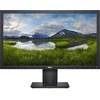

 4.5
4.5

 4.5
4.5

 Į krepšelį


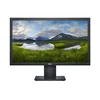
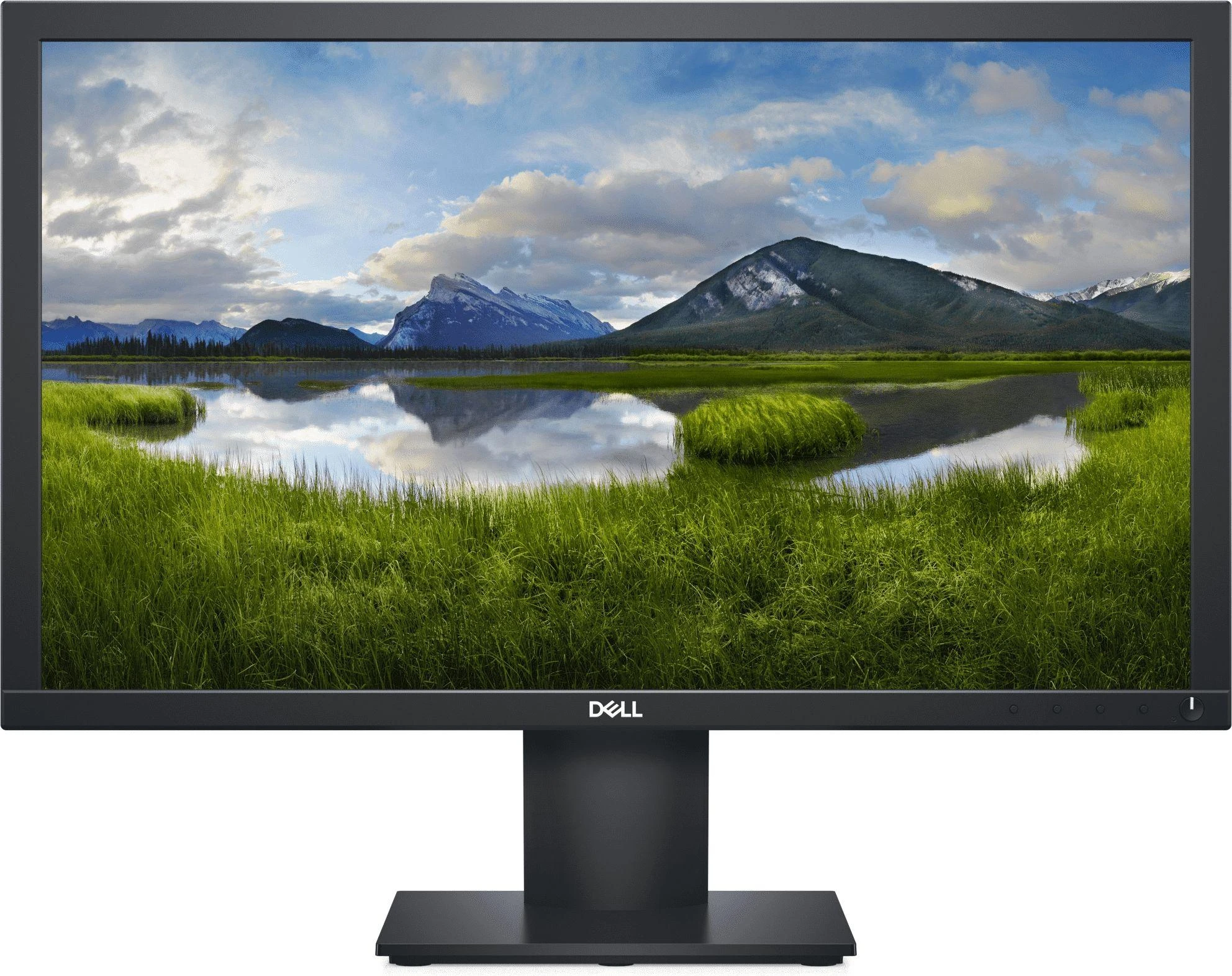
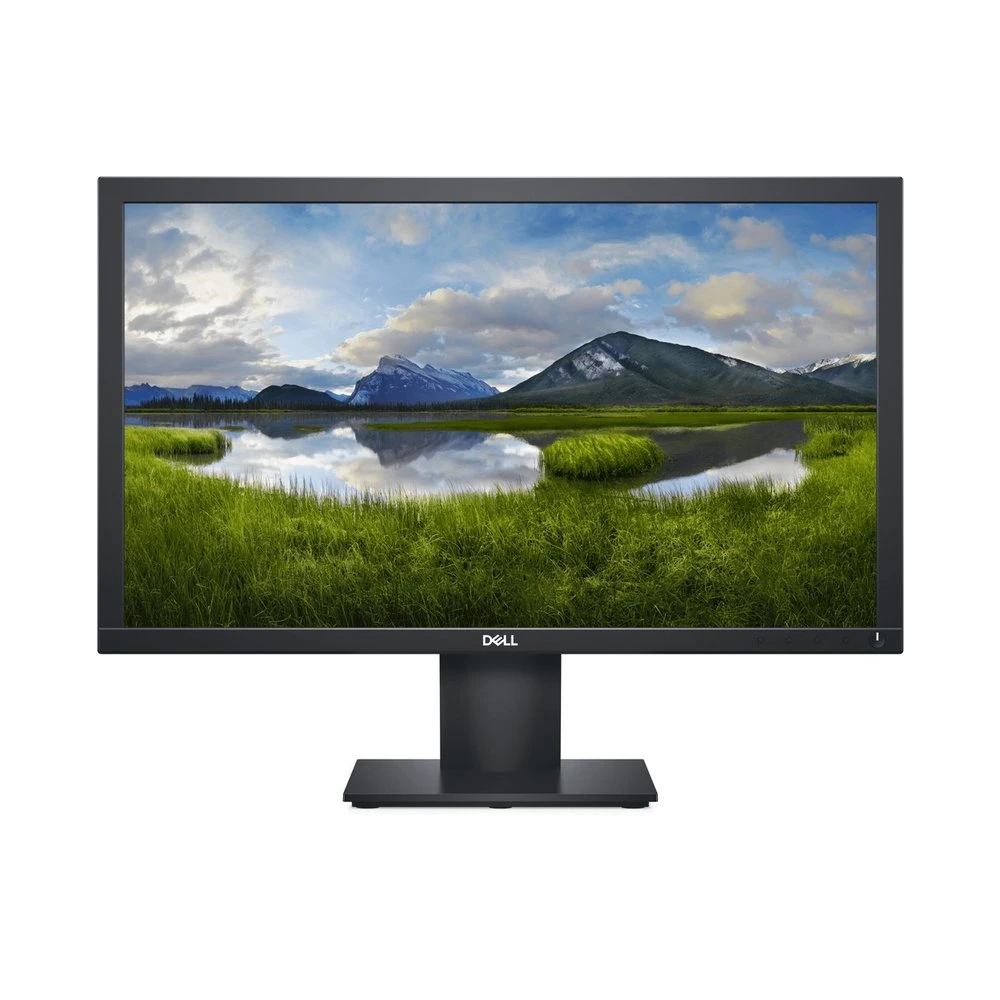
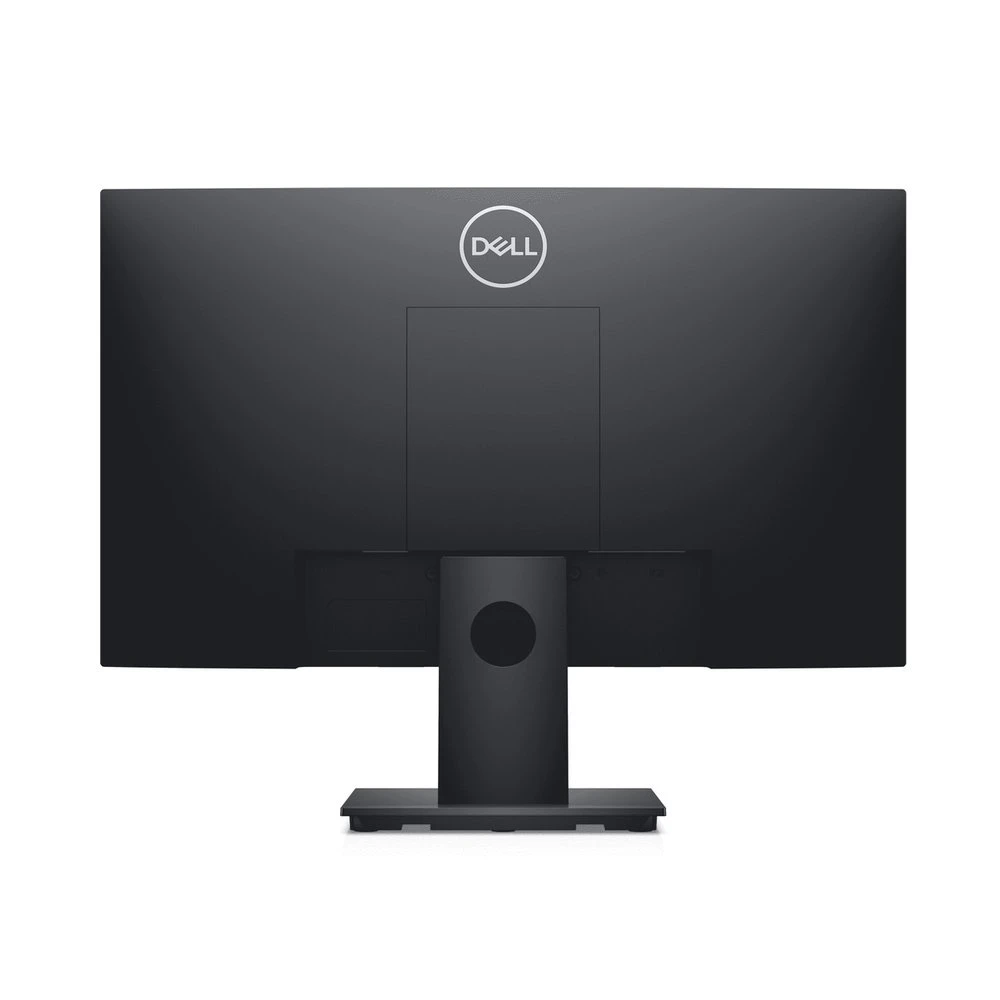
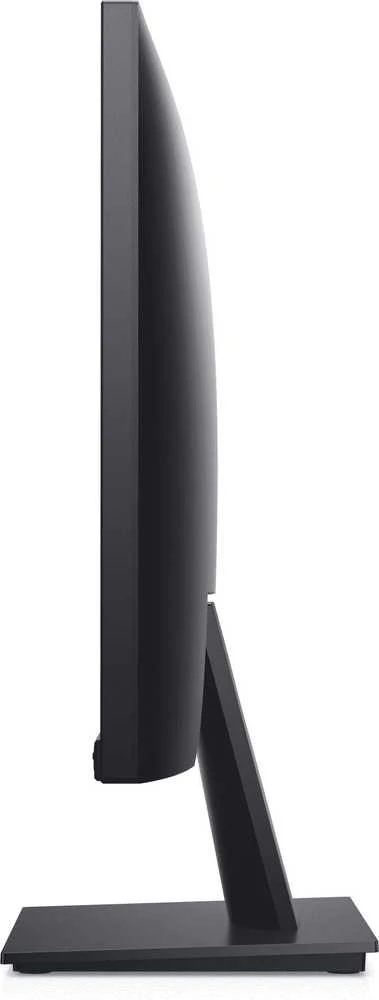
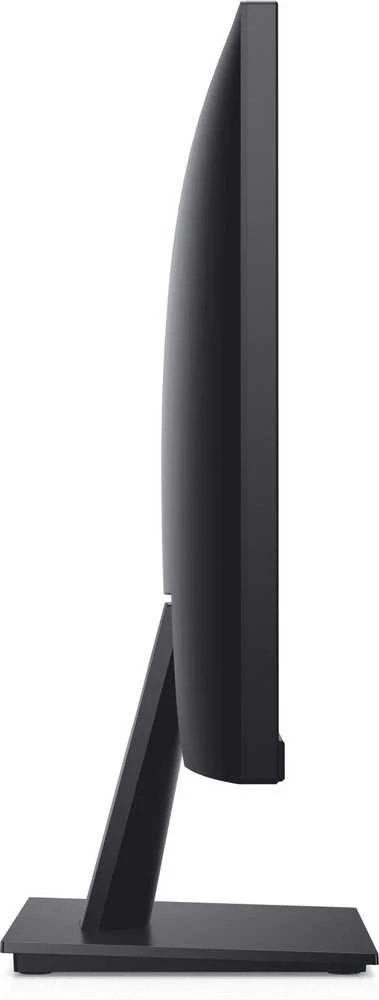
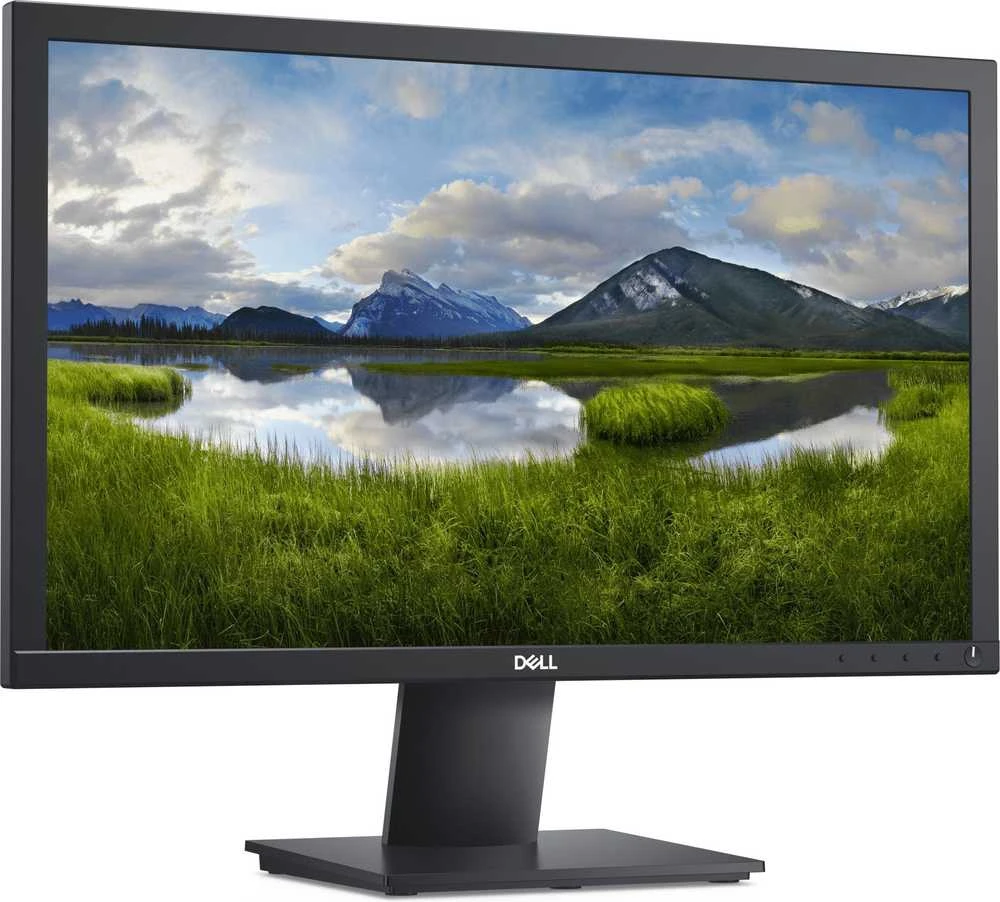
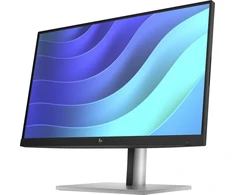
Visi svarbiausi dalykai ir dar daugiau. Maksimaliai išnaudokite savo darbo vietą. Plonas profilis ir patobulintas laidų valdymas sumažina monitoriaus užimamą vietą ir padeda išlaikyti stalą švarų ir tvarkingą. Patobulintas vaizdas. „Full HD“ raiška idealiai tinka kasdienėms užduotims, o „ComfortView“ leidžia ilgiau žiūrėti į ekraną. Jis sumažina kenksmingos mėlynosios šviesos skleidimą iki 60 %. Universalus jungiamumas. Mūsų E serijos monitoriai suderinami su senesnėmis ir naujesnėmis sistemomis, siūlydami patogias jungiamumo parinktis, tokias kaip VGA ir DP prievadai. Jūsų darbo vieta bus visiškai pritaikyta jūsų poreikiams. Prisitaiko prie jūsų reikalavimų su VESA suderinamais tvirtinimo laikikliais ir laikikliais, leidžiančiais sukurti tobulą vietą jūsų darbo vietai. Patobulintas „Dell Display Manager“. Produktyvumas kiekviename lygyje. „Dell Display Manager“ (DDM) „Easy Arrange“ leidžia greitai išdėstyti ir rodyti programas greta vieno ar kelių prijungtų ekranų, kad padidėtų efektyvumas atliekant kelias užduotis vienu metu. Naudodami patobulintą DDM, galite rinktis iš dar daugiau iš anksto paruoštų išdėstymų. Sklandūs perėjimai: automatinio atkūrimo funkcija prisimena, kur baigėte. Programos grįžta į pradinę vietą net atjungus. Patogūs spartieji klavišai taupo daugiau laiko, nes lengvai konfigūruojami ekrano valdymo nustatymai ir greičiau pradedama dirbti. Daugiau valdymo būdų: turto valdymo ataskaitos leidžia IT vadovams greitai rinkti ir sekti monitorių informaciją ir vienu metu konfigūruoti kelis monitorius viename procese. Apie produktą: garantuota kokybė: atitikimas naujausiems „Energy Star®“ standartams užtikrina, kad E serijos monitoriai atitiktų griežtus miego, įjungimo ir išjungimo reikalavimus. Jie taip pat yra registruoti EPEAT® ir sertifikuoti TCO. Energijos taupymas: taupykite elektrą naudodami „PowerNap“, kuri pritemdo arba perjungia monitorių į miego režimą, kai jis nenaudojamas. Švarus atliekų rūšiavimas: pakuotę, pagamintą iš mažiausiai 25 % perdirbto plastiko, lengva kompostuoti arba pakartotinai naudoti.
 |
Šiai prekei taikoma "Door to door" garantinio serviso paslauga. Jums patogiu metu ir patogioje vietoje! NEMOKAMAI pasiimsime sugedusį prietaisą iš ten, kur esate Jūs (iš namų, darbo vietos, mokymosi ar gydymosi įstaigos ir pan.) ir NEMOKAMAI grąžinsime/pristatysime sutaisytą. * - yra papildomų sąlygų Kuršių Nerijos gyventojams: taikomas kelto mokestis už kiekvieną kurjerio atvykimą (17,38€ be PVM). Daugiau informacijos: ČIA |

 Dirbtinio intelekto nuomonė
2023-10-26
Dirbtinio intelekto nuomonė
2023-10-26
 TOP prekė
 5.0
5-7 d. d.
5.0
5-7 d. d.
 TOP prekė
Išpardavimas
5.0
0-1 d. d.
TOP prekė
Išpardavimas
5.0
0-1 d. d.

 5.0
3-4 d. d.
5.0
3-4 d. d.
 7-10 d. d.
 Žemos kainos garantija
5.0
4-7 d. d.
Žemos kainos garantija
5.0
4-7 d. d.
 4-7 d. d.
 4-7 d. d.
 4-8 d. d.
 6-9 d. d.
 4-8 d. d.
 4-8 d. d.
 4-8 d. d.
 1-3 d. d.



 LP EXPRESS kurjeriu spalio 15 d.
 Pristatymas Venipak kurjeriu spalio 15 d.
 DPD kurjeriu spalio 15 d.