Pagalba
 Kontaktai
 Atsiliepimai
 Verslui
 Varlė
Varlė


Krepšelis tuščias
Turite Varlės paskyrą?
Prisijunkite, kad pamatytumėte krepšelio turinį
Prisijungti

 Visos prekės


 Krepšelis
Tuščias
Prekių
Krepšelis
Krepšelis
Tuščias
Prekių
Krepšelis
Prisijunkite, kad pamatytumėte krepšelio turinį
Prisijungti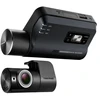
 4.5
4.5

 4.5
4.5

 Į krepšelį

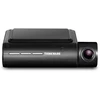
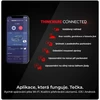
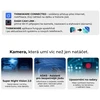
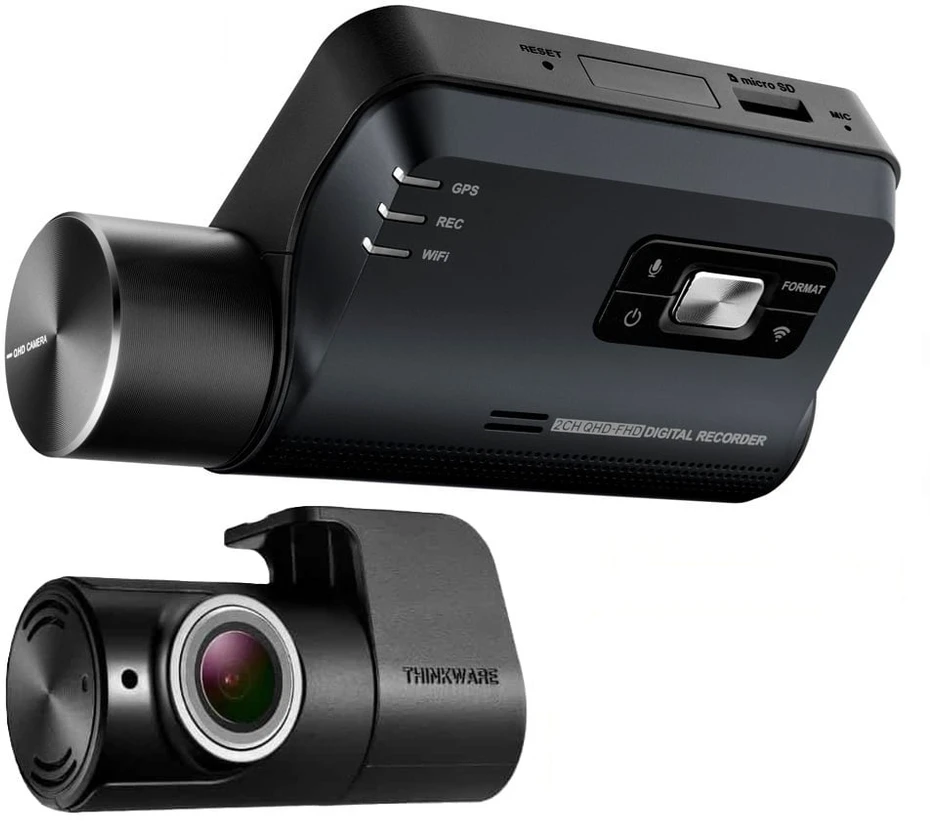
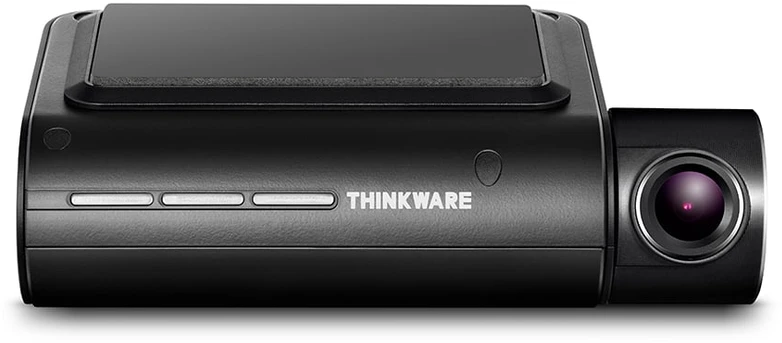
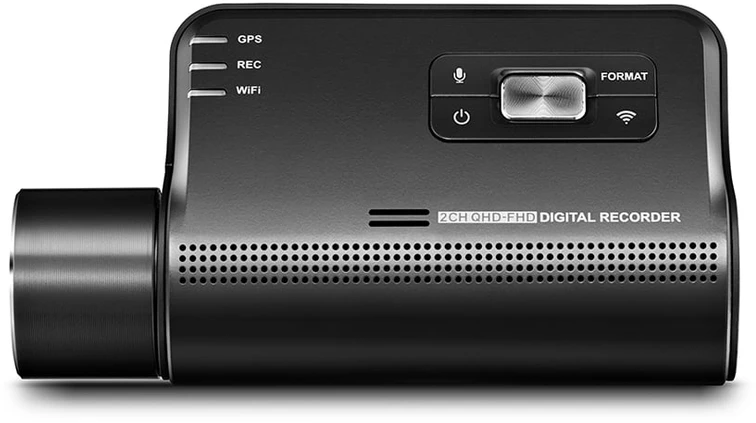
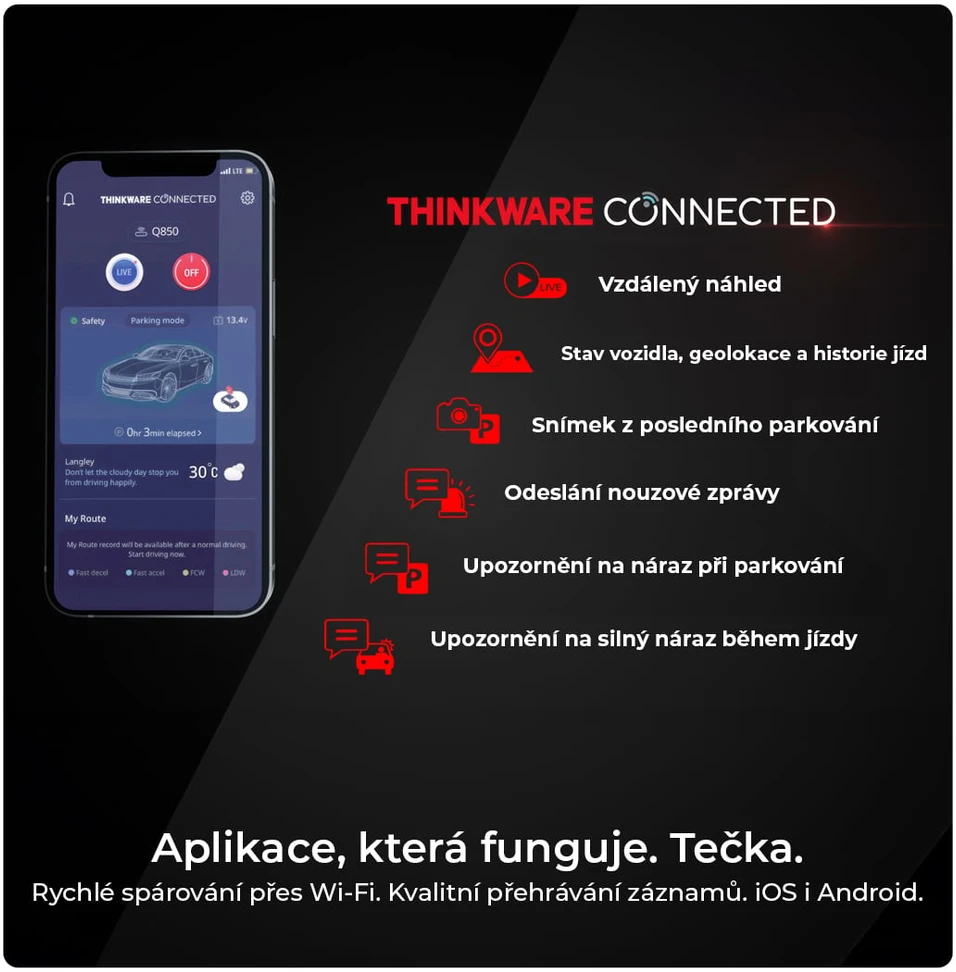
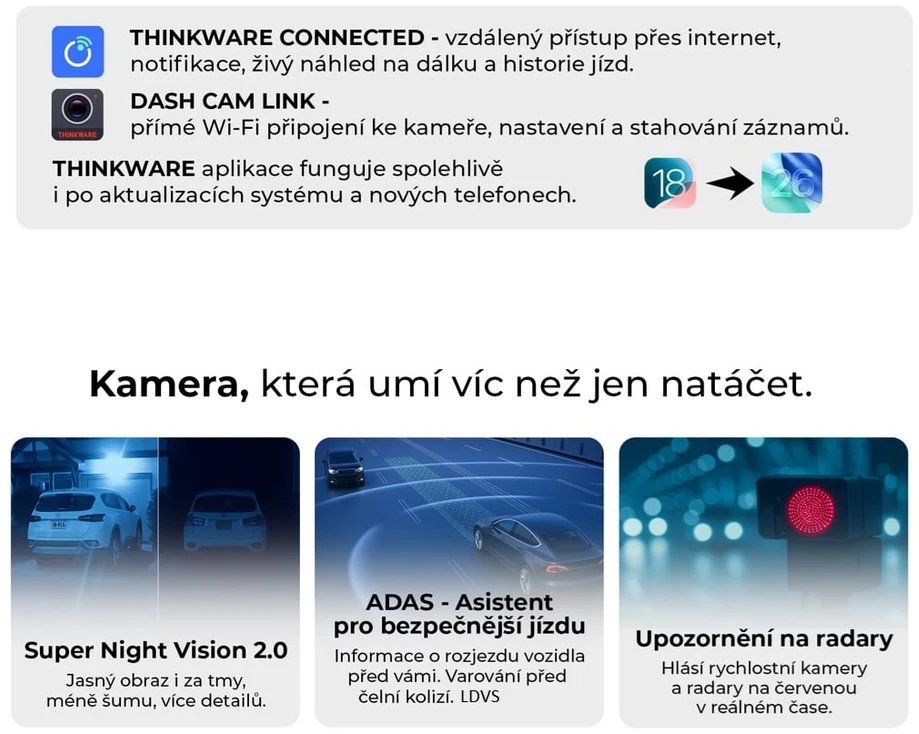
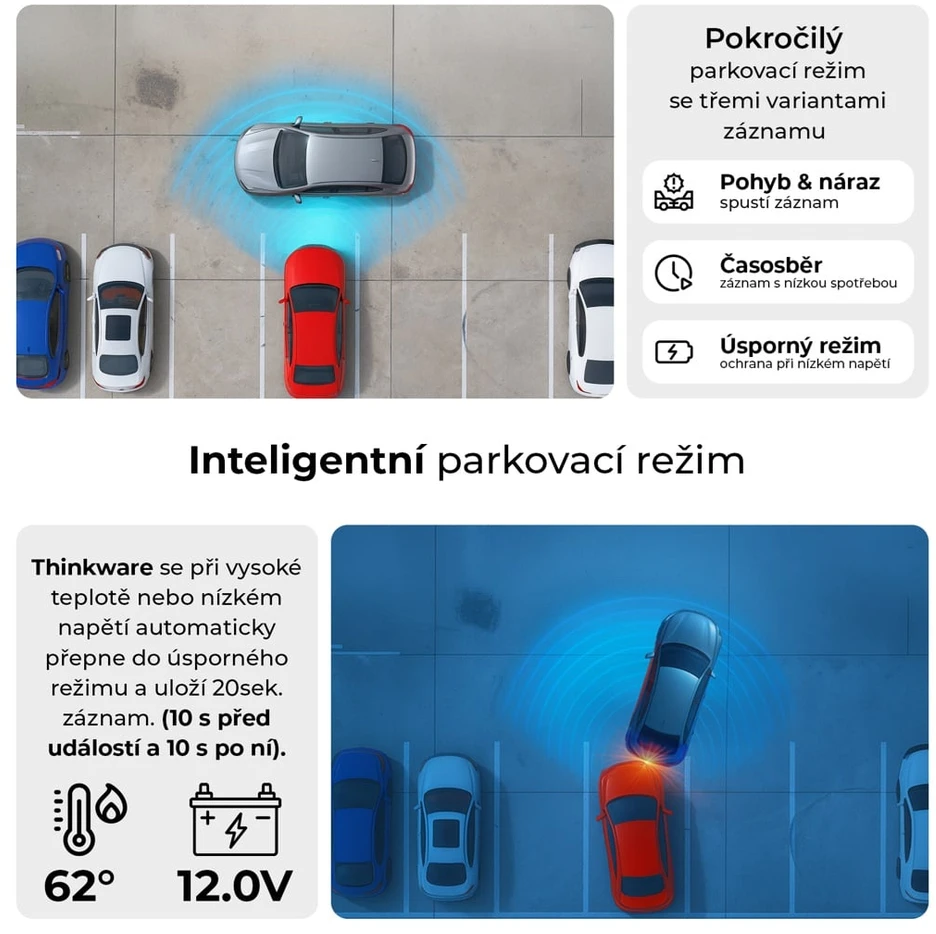
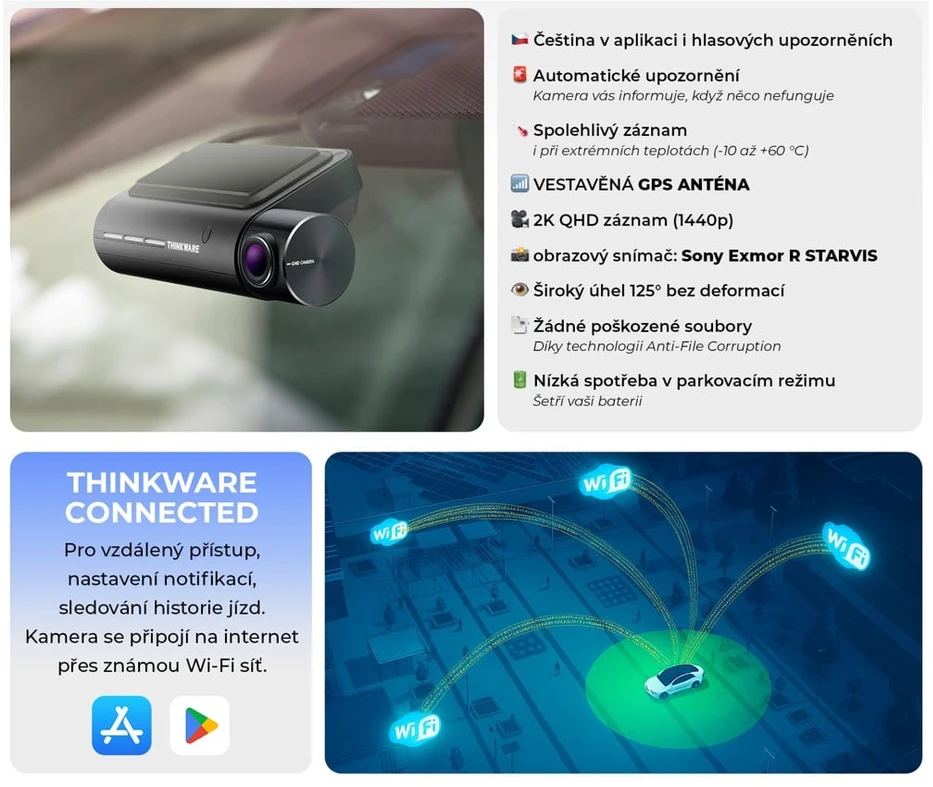
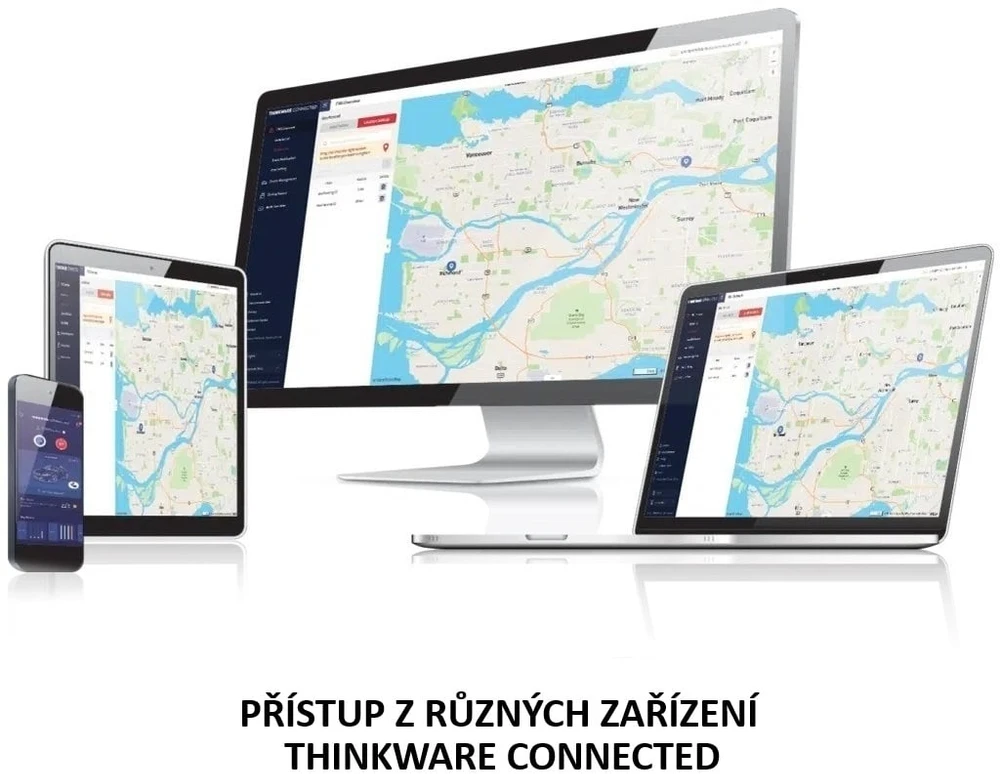
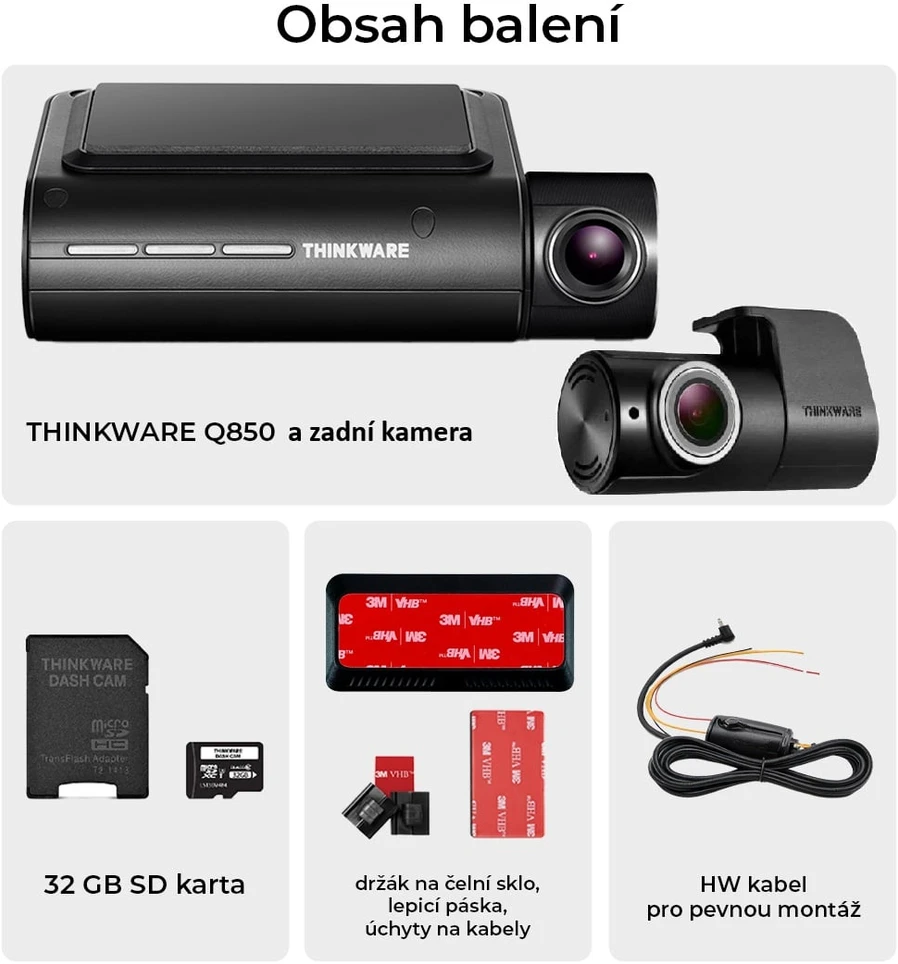
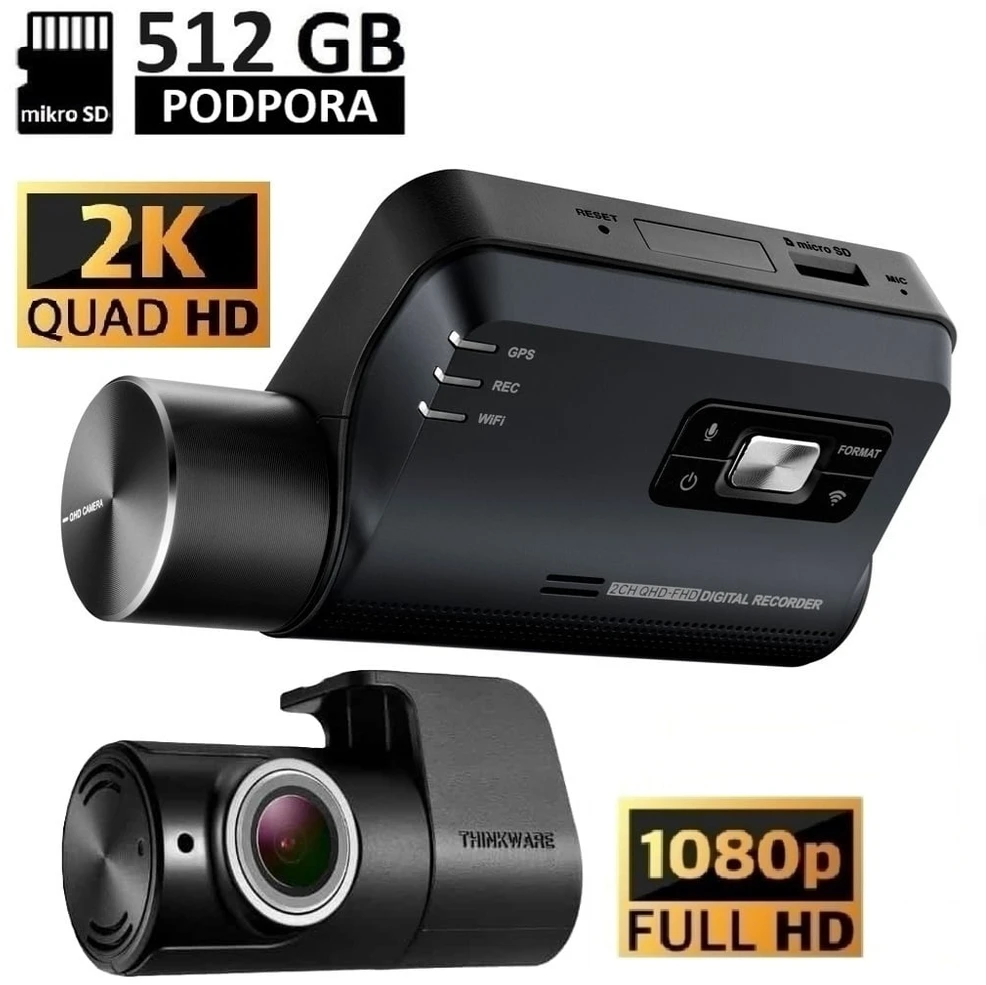
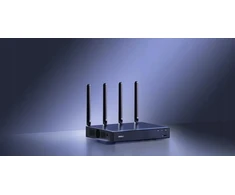
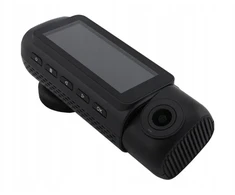
Thinkware Q850 – Real-Time Remote Access to Your Vehicle The Thinkware Q850 is a state-of-the-art dashcam with advanced cloud features that enables continuous monitoring of your vehicle via the Internet. The camera automatically connects to saved Wi-Fi networks or mobile hotspots and provides remote access to a live feed from anywhere the user has internet access. Thanks to the Thinkware Connected service, you can monitor what’s happening around your vehicle in real time, receive immediate notifications about incidents, and keep track of your vehicle’s status even while it’s parked. The camera is suitable for use at home, in the office, or in other locations with a Wi-Fi signal. If an impact or other event is detected while the camera is in parking mode, you’ll receive a push notification directly on your phone. This gives you an immediate overview of the situation around your vehicle, no matter where you are. For a continuous internet connection, you can use your phone’s mobile hotspot or a separate Wi-Fi router installed in the vehicle. After the initial Wi-Fi network registration, the camera automatically connects to the available network with the strongest signal. This eliminates the need to repeatedly configure the connection, and all cloud features are always ready for use. The camera is controlled using two mobile apps. DASH CAM LINK is used for local management via a direct Wi-Fi connection, and THINKWARE CONNECTED provides remote access via the internet, notifications, and trip history. Bluetooth technology also makes the initial pairing much easier, without the need to enter passwords. Key Benefits Automatic connection to Wi-Fi networks and hotspots Remote live view from the camera Access to your vehicle from anywhere via the internet Push notifications in case of incidents Vehicle monitoring while parked Automatic connection to saved networks Bluetooth pairing without entering passwords Support for mobile hotspots Support for mobile Wi-Fi routers Connection via the strongest available Wi-Fi network My Route trip history Remote vehicle status check Management via the THINKWARE CONNECTED app Management and settings via the DASH CAM LINK app DASH CAM LINK app Initial camera setup Bluetooth pairing Live view via Wi-Fi Recording Mode Settings Downloading All Recordings from the Memory Card Automatic Wi-Fi Connection After Pairing THINKWARE CONNECTED App Remote Live View Vehicle Status Check Push Notifications for Incidents My Route History Notification Management Remote Access via the Internet Technical Specifications Product Type: Cloud-Based Dash Cam Model: Thinkware Q850 Internet connection: Wi-Fi Mobile hotspot support Mobile Wi-Fi router support Bluetooth for initial pairing Real-time Live View Push notifications for incidents My Route trip history Automatic connection to registered Wi-Fi networks Mobile app: DASH CAM LINK Mobile app: THINKWARE CONNECTED
 5.0
0-1 d. d.
5.0
0-1 d. d.


 Žemos kainos garantija
5.0
3-5 d. d.
Žemos kainos garantija
5.0
3-5 d. d.
 5.0
0-1 d. d.
5.0
0-1 d. d.
 4-6 d. d.
 3-6 d. d.
 5-6 d. d.
 5.0
5-7 d. d.
5.0
5-7 d. d.
 5.0
4-6 d. d.
5.0
4-6 d. d.
 4-8 d. d.
 5.0
4-6 d. d.
5.0
4-6 d. d.
 4-6 d. d.

 4-8 d. d.


 LP EXPRESS paštomate spalio 22 d.
 Omniva paštomate spalio 22 d.
 Pristatymas Venipak kurjeriu spalio 22 d.
 DPD kurjeriu spalio 22 d.