Pagalba
 Kontaktai
 Atsiliepimai
 Verslui
 Varlė
Varlė


Krepšelis tuščias
Turite Varlės paskyrą?
Prisijunkite, kad pamatytumėte krepšelio turinį
Prisijungti

 Visos prekės


 Krepšelis
Tuščias
Prekių
Krepšelis
Krepšelis
Tuščias
Prekių
Krepšelis
Prisijunkite, kad pamatytumėte krepšelio turinį
Prisijungti
 4.5
4.5


 4.5
4.5

 Į krepšelį
 Ši prekė
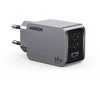 UGREEN „Nexode Pro“ 65W 3 prievadų GaN mini greitasis įkroviklis
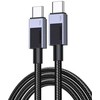 Ugreen ML USB įkrovimo laidas USB-C į USB-C PD L512 (pilkas), 3 m
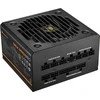
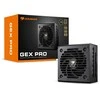
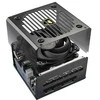
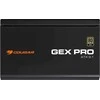
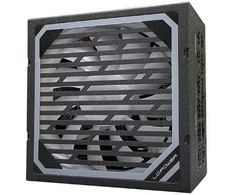
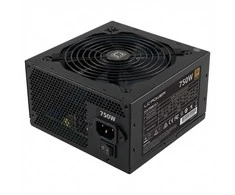
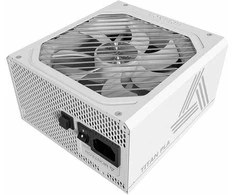
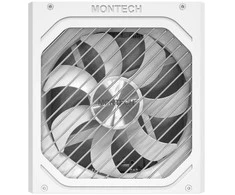
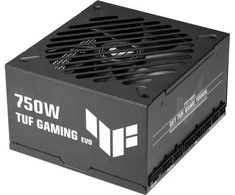
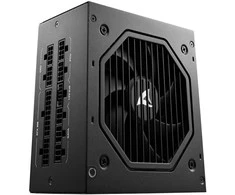
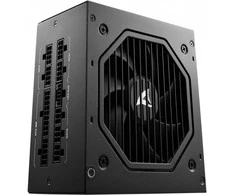
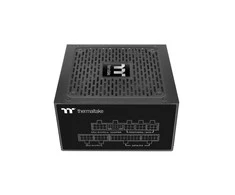
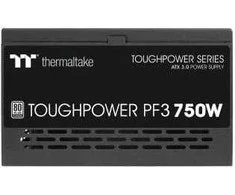
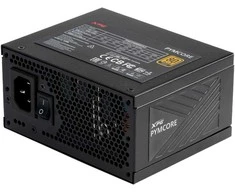
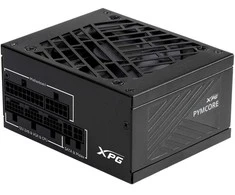
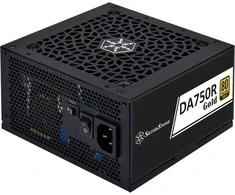
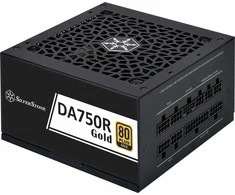
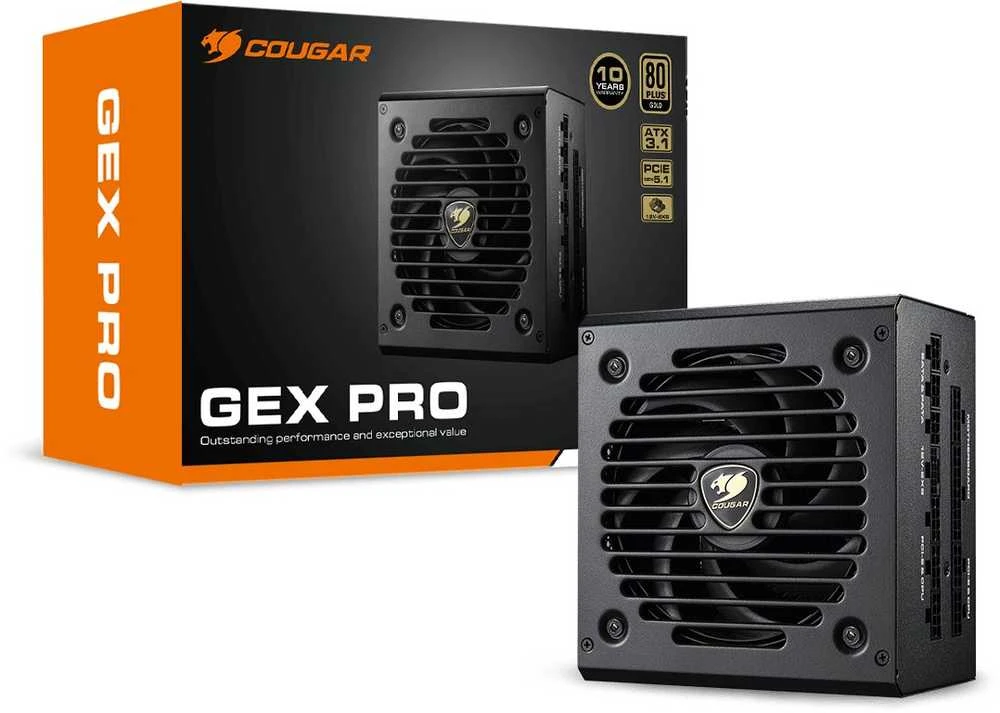
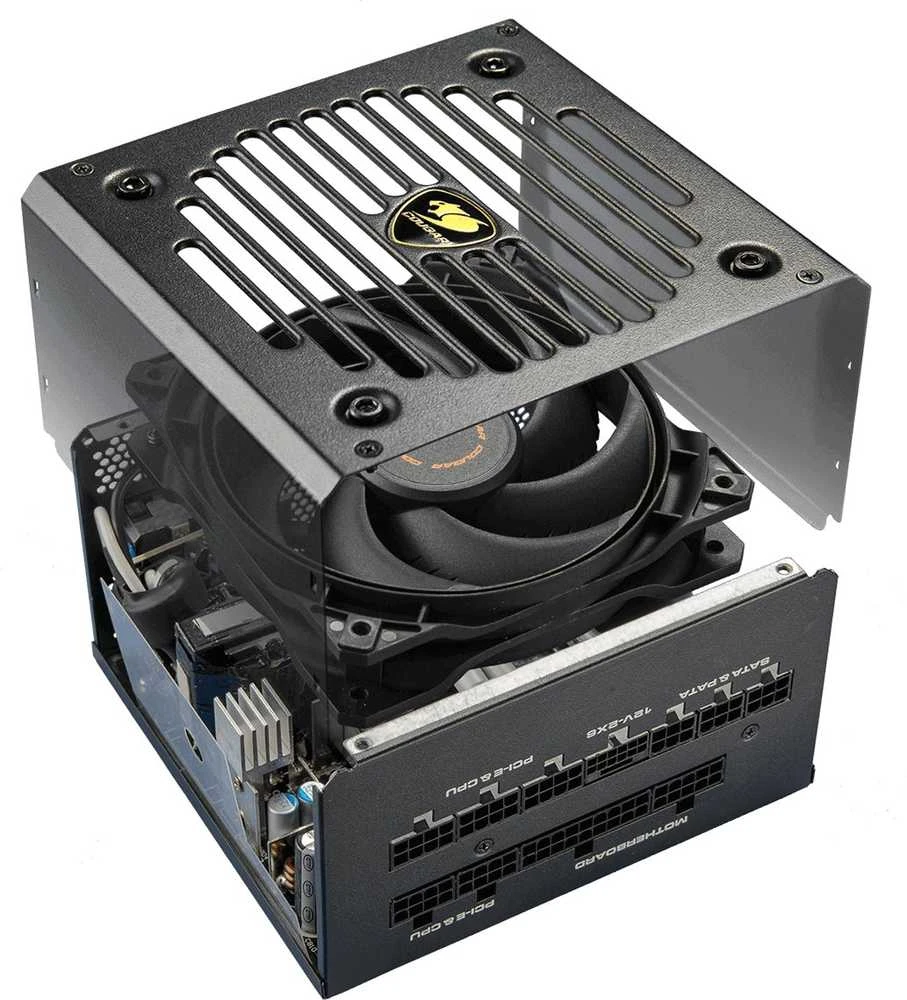
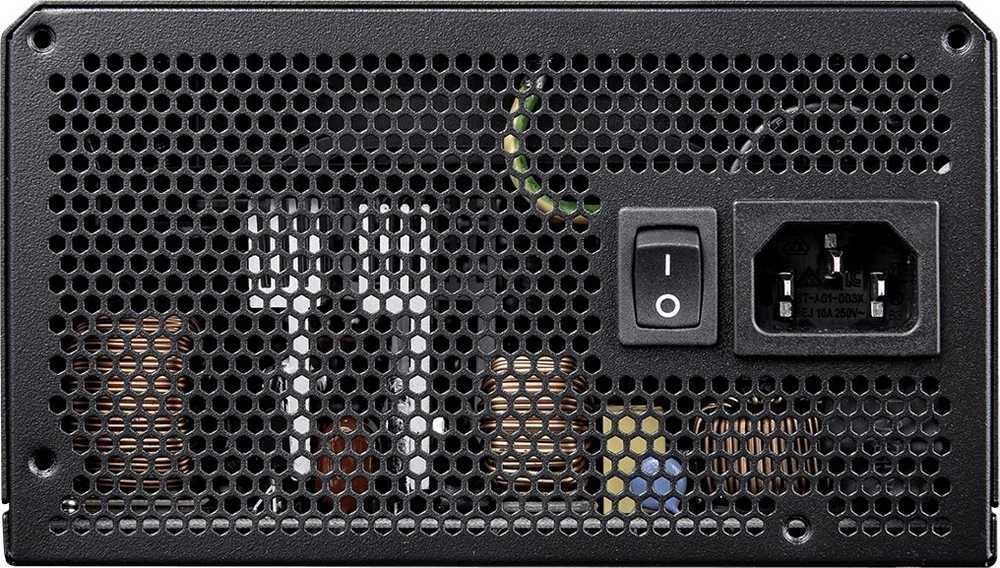
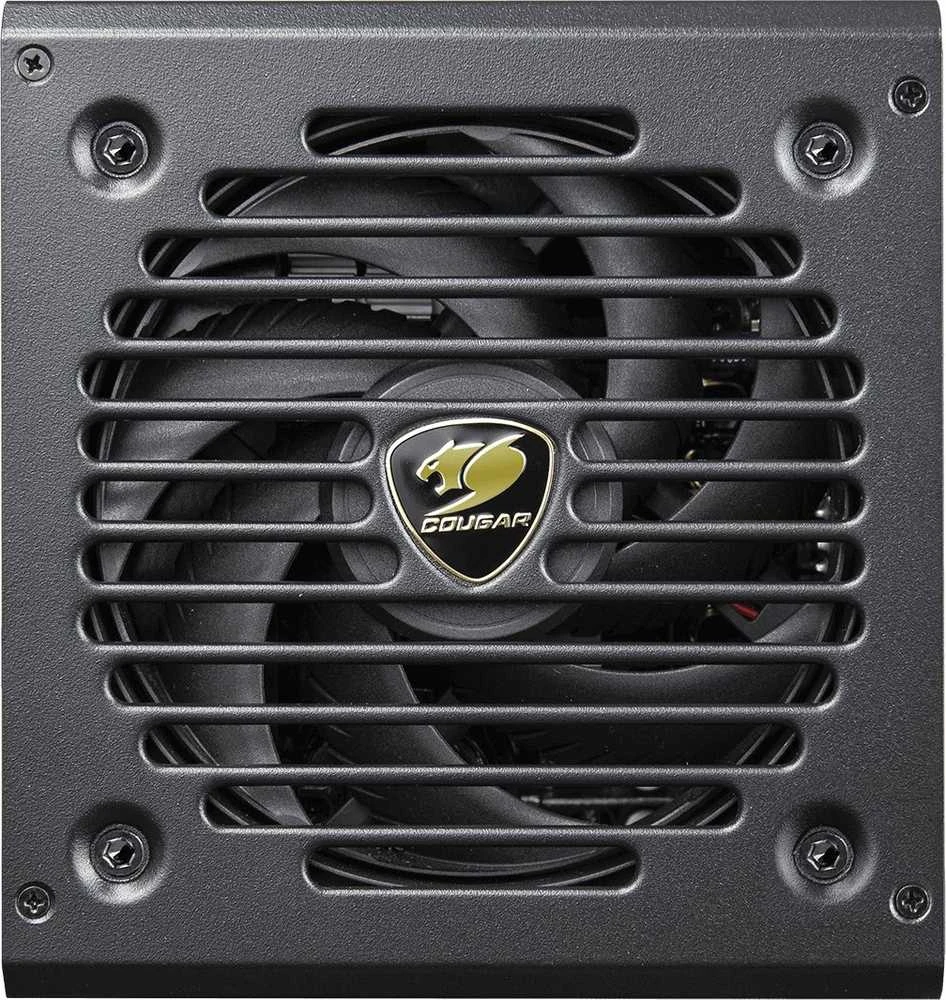
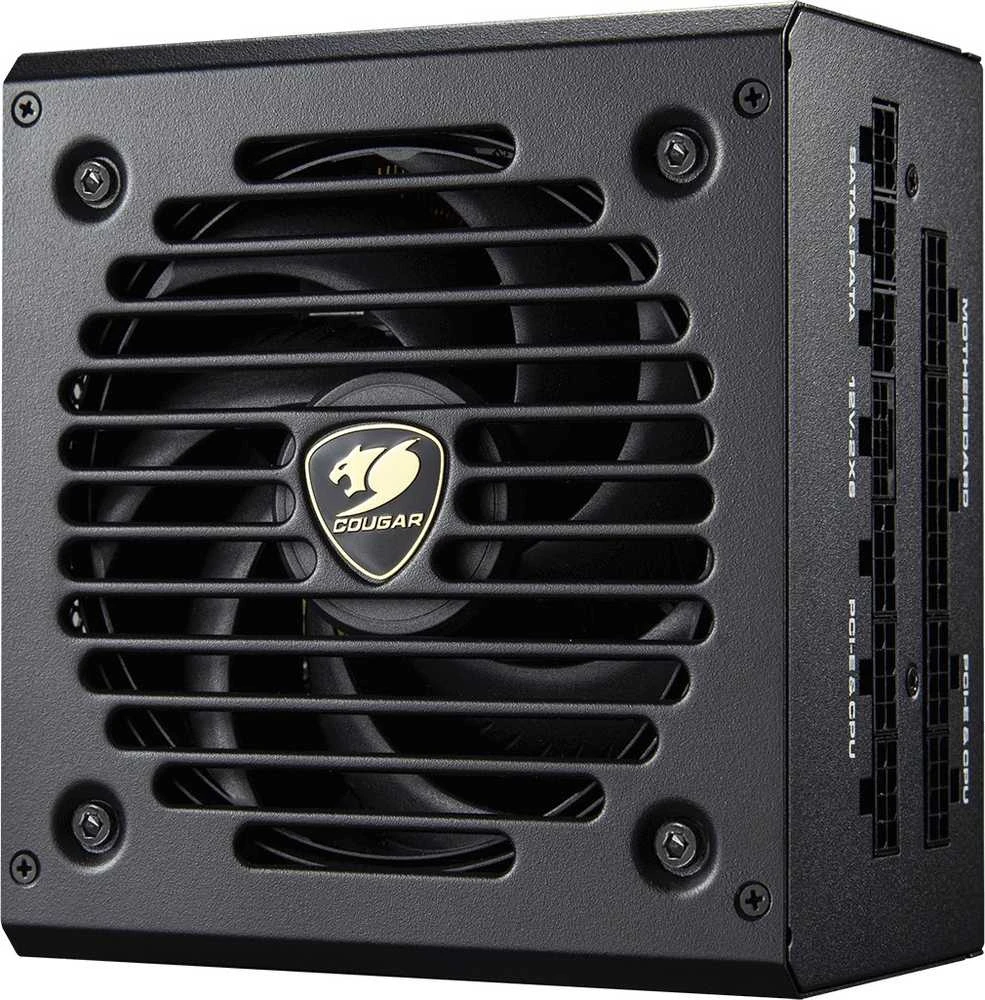
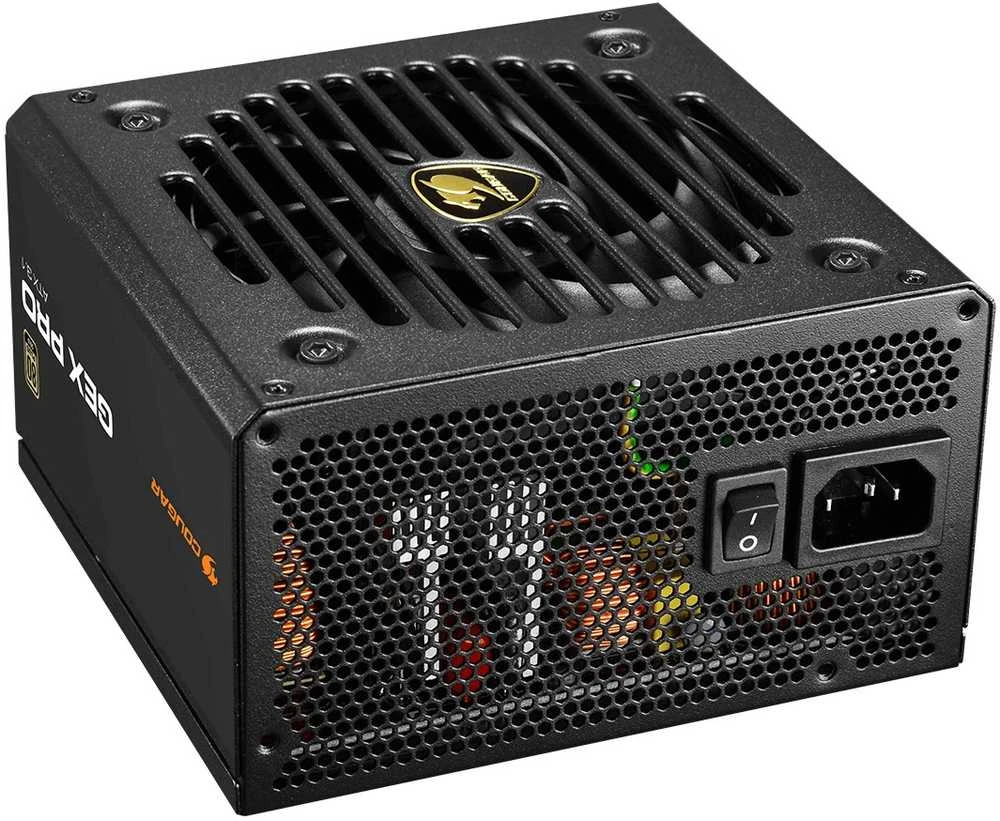
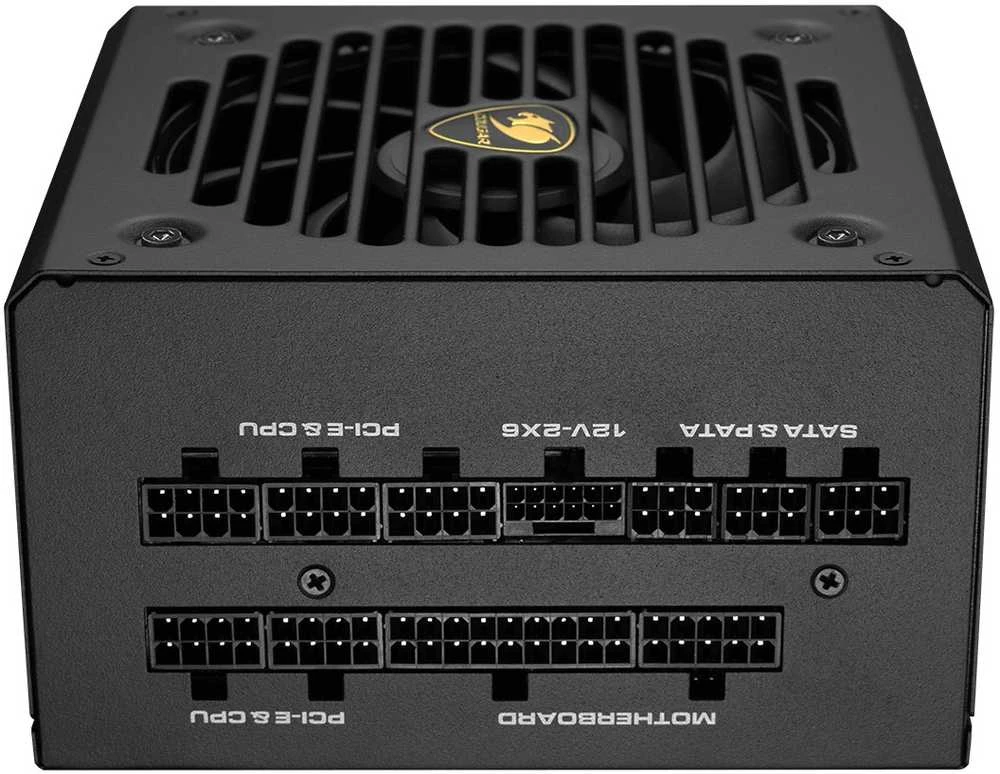
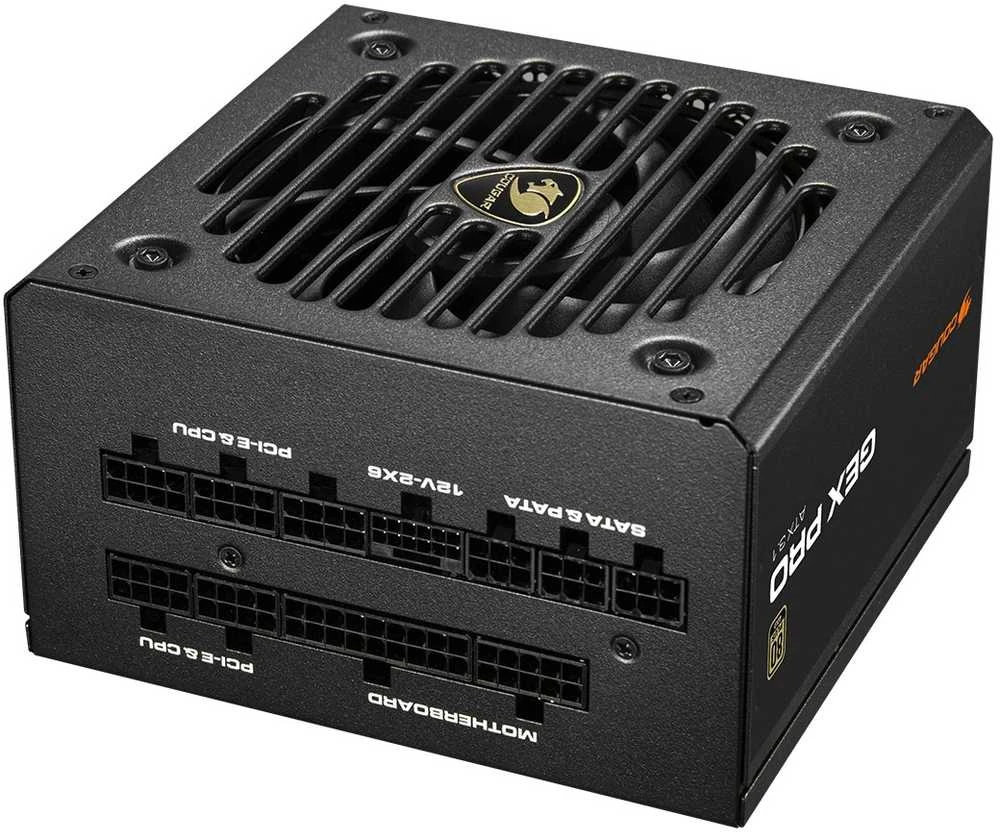
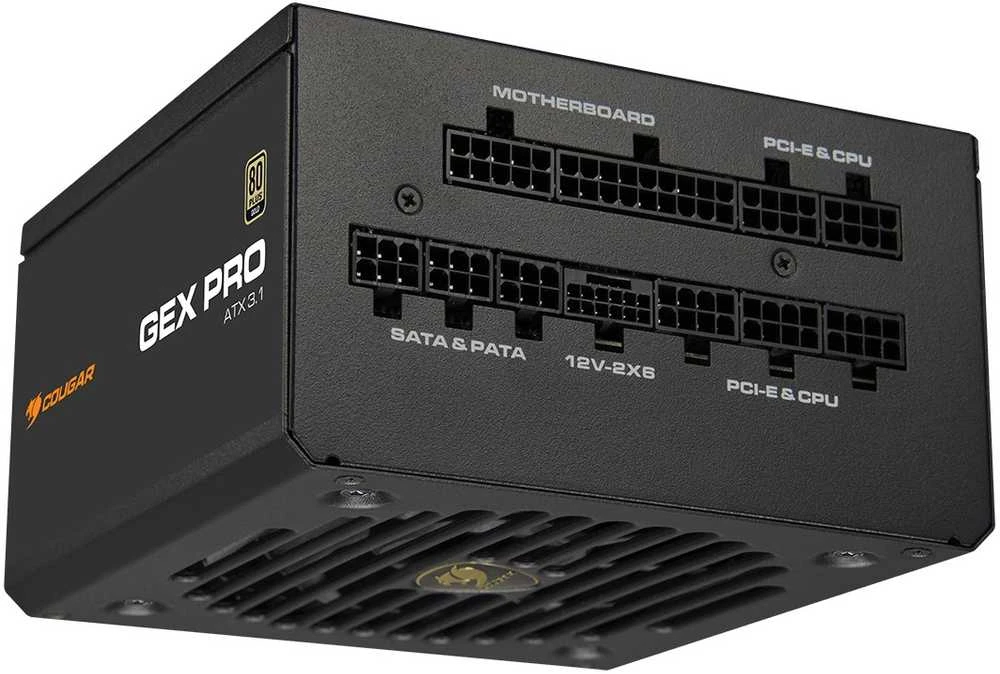
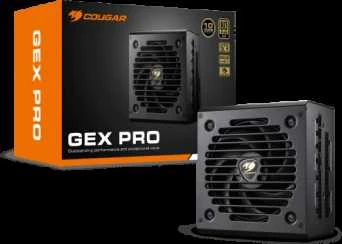
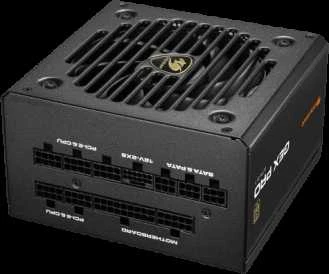
For optimal performance, operate the power supply in environments up to 40°C and ensure adequate case ventilation. Choose the PSU wattage appropriate for your CPU and GPU power requirements and confirm connector compatibility with your graphics card before installation.
 6-7 d. d.
 5-8 d. d.
 4-6 d. d.
 8-11 d. d.
 3-6 d. d.
 4-6 d. d.
 5-8 d. d.
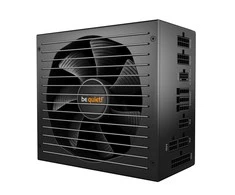
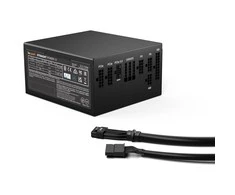
 5.0
4-8 d. d.
5.0
4-8 d. d.
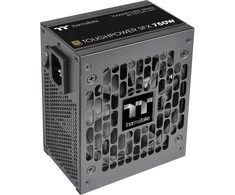
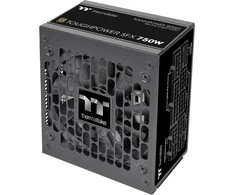 5.0
4-6 d. d.
5.0
4-6 d. d.

 1-4 d. d.
 1-2 d. d.
 2-5 d. d.

 8 d. d.
 5.0
1-3 d. d.
5.0
1-3 d. d.






 Omniva paštomate gegužės 26 d.
 LP Express kurjeriu gegužės 26 d.
 DPD kurjeriu gegužės 26 d.