Pagalba
 Kontaktai
 Atsiliepimai
 Verslui
 Varlė
Varlė


Krepšelis tuščias
Turite Varlės paskyrą?
Prisijunkite, kad pamatytumėte krepšelio turinį
Prisijungti

 Visos prekės


 Krepšelis
Tuščias
Prekių
Krepšelis
Krepšelis
Tuščias
Prekių
Krepšelis
Prisijunkite, kad pamatytumėte krepšelio turinį
Prisijungti
 4.5
4.5


 4.5
4.5

 Į krepšelį

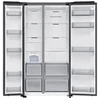
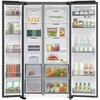
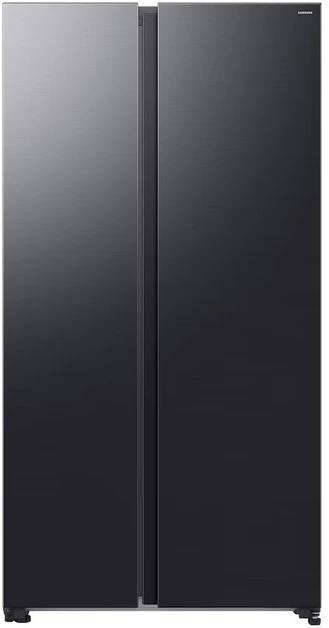
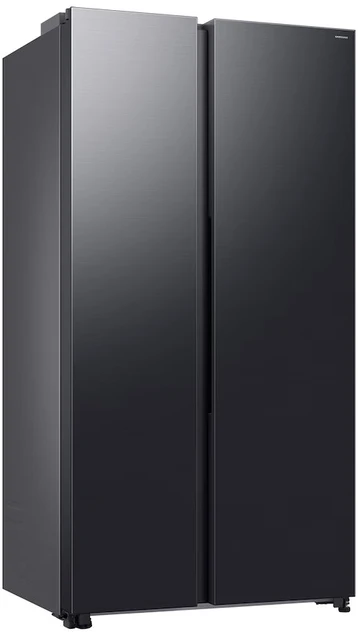
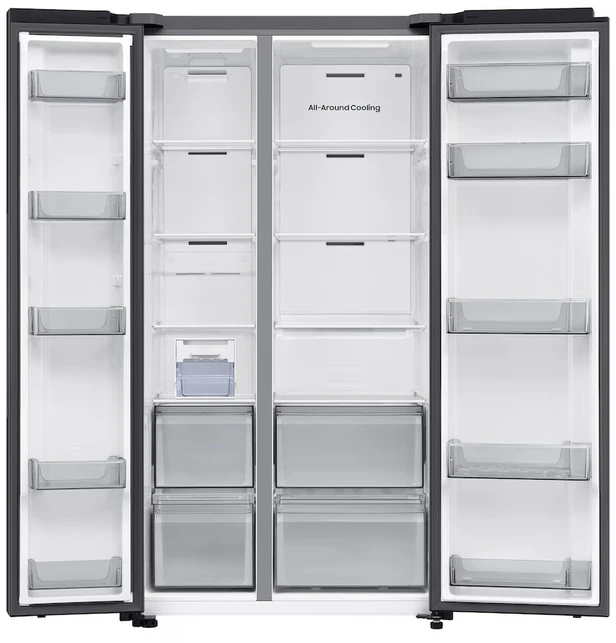
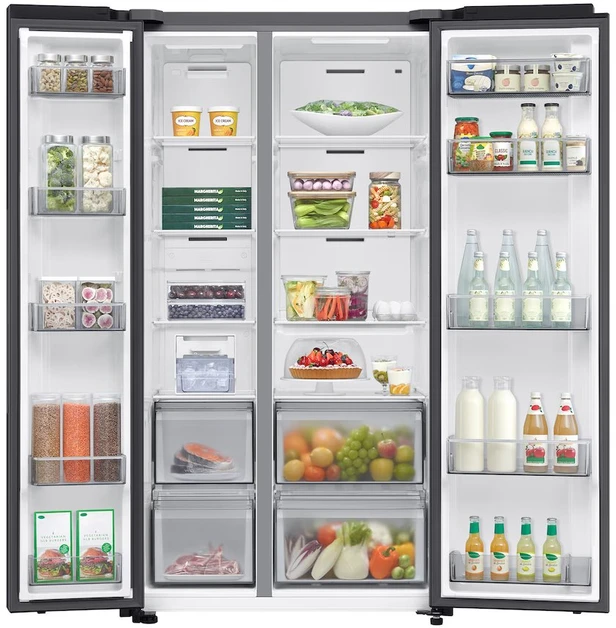
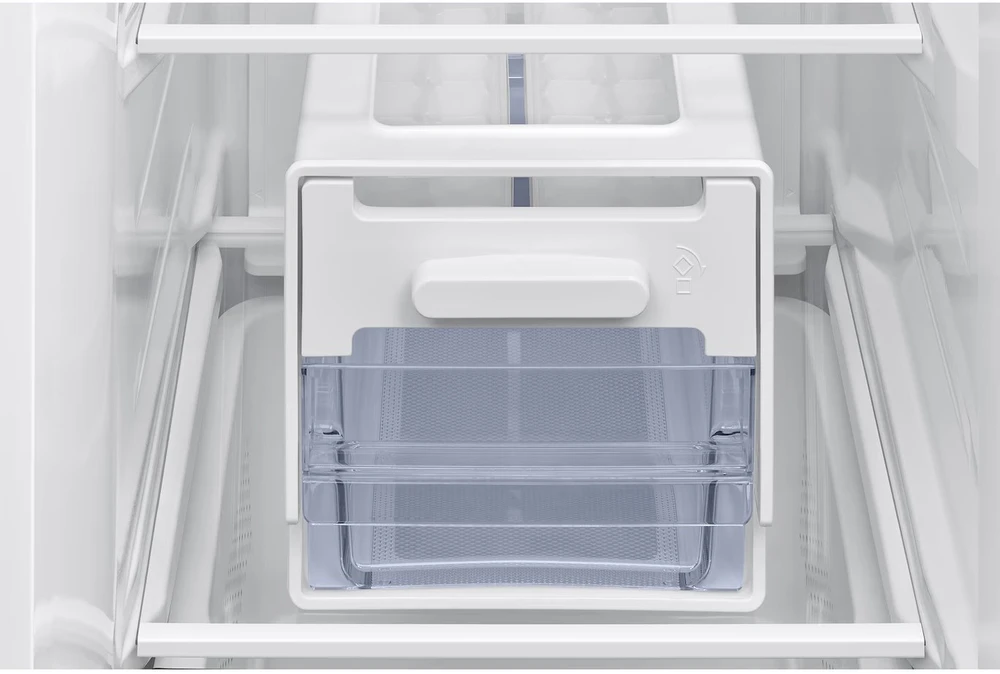
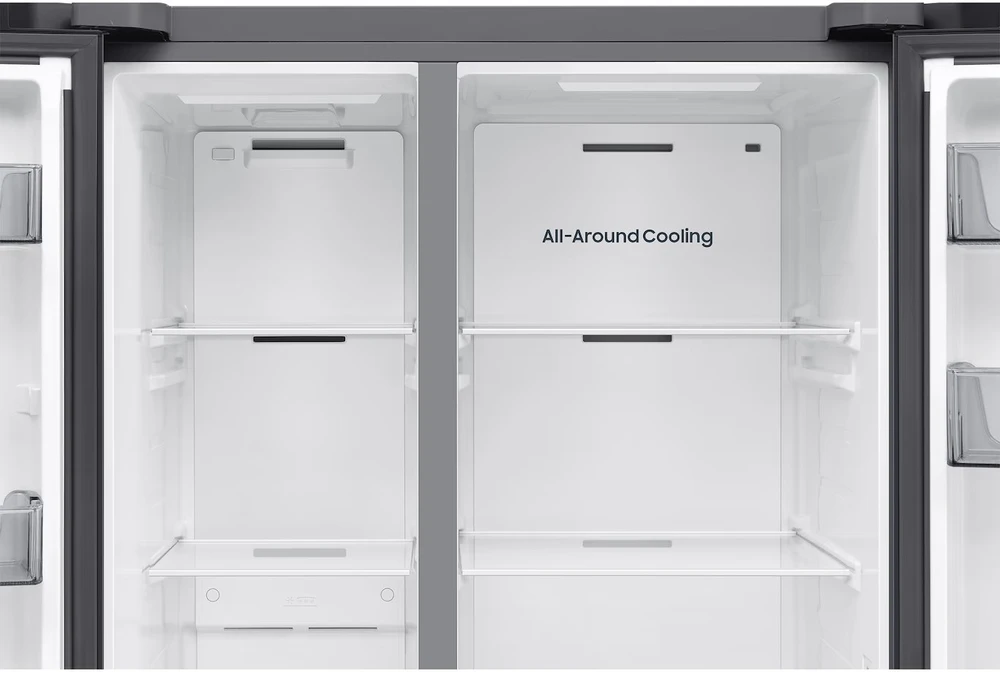
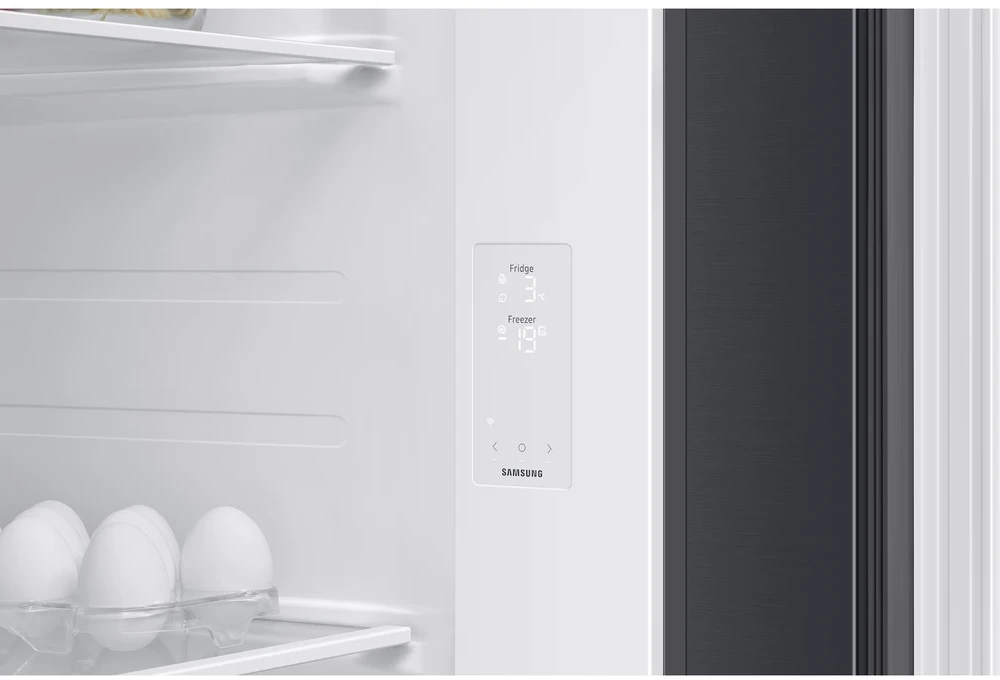
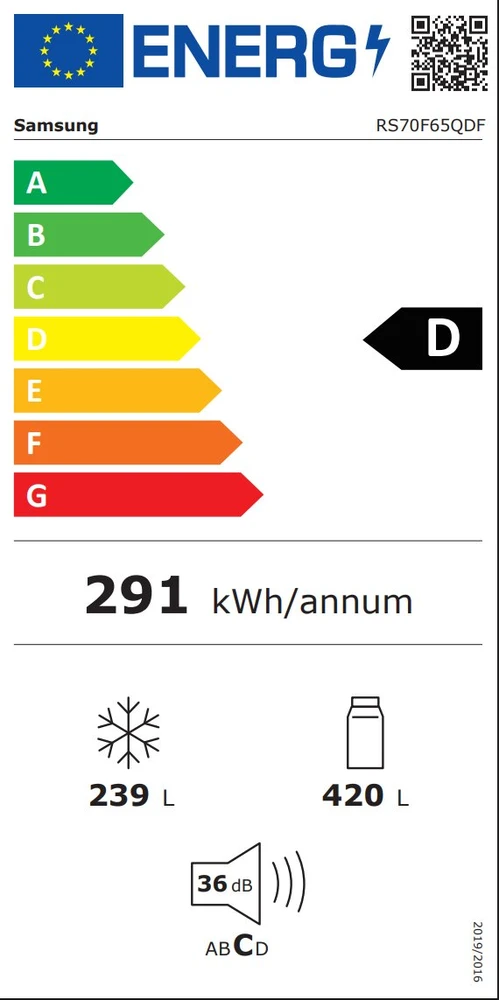
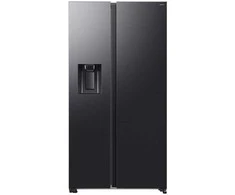
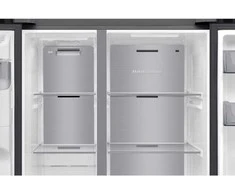
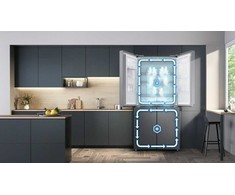
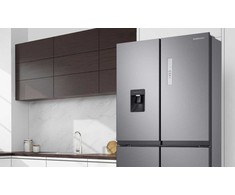
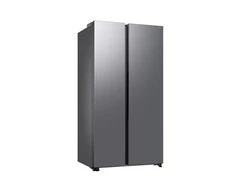
SmartThings as a Remote Control for Your Refrigerator Manage various functions of the SAMSUNG RS70F65QDFEO refrigerator in the SmartThings mobile app. In addition to basic temperature settings, you’ll get a comprehensive overview of energy consumption and useful tips for improving energy efficiency. If needed, you also have unlimited access to the user manual, and you can enable alerts for an open door or when it’s time to replace the water filter. All you need is a smartphone and a stable Wi-Fi connection. 10% Lower Energy Consumption—Just Like That The SAMSUNG RS70F65QDFEO refrigerator takes care of saving electricity for you. In the SmartThings Energy app, you can enable AI Energy Mode, which intelligently adjusts the compressor speed and defrost cycle to suit the ambient conditions and your usage patterns. This helps you easily meet your energy-saving goals and reduce your energy bills. Everything at your fingertips, even when you’re not at home Just connect the SAMSUNG RS70F65QDFEO refrigerator to Wi-Fi, and you’ll immediately have an overview of the temperature, modes, and whether the door has been left open. You can also set a goal for how much energy you want to save each month. You’ll then find all important information and notifications on your phone in the SmartThings app. A capacity that will surprise you Thanks to SpaceMax technology, the walls are thinner, so the SAMSUNG RS70F65QDFEO refrigerator can hold up to 635 liters—without increasing its external dimensions or energy consumption. Plus, the flat cooling channel saves space in the back, so you can make the most of every centimeter. Perfect conditions in every part of the refrigerator All-Around Cooling technology uses a network of strategically placed vents and continuous temperature monitoring to maintain stable cooling throughout the Samsung RS70F65QDFEO refrigerator—on every shelf, in every compartment, and in every corner. Cool air flows evenly throughout the entire interior, so your food stays fresh longer, no matter where you store it. Chilled in Just a Few Minutes Did you get an unexpected visitor and need ice cubes for your drinks? Or do you want to chill food that’s been sitting in the car for too long? By activating the Power Cool or Power Freeze function, you’ll send a blast of cold air through the Samsung RS70F65QDFEO refrigerator, speeding up the cooling or freezing process. Saves money in the long run and lasts even longer In the SmartThings Energy section, you’ll find useful tips that save you money and also let you monitor and compare your energy usage in real time. You can even set your own monthly goal, which the system will help you track. You can check that your SAMSUNG RS70F65QDFEO refrigerator is in perfect condition in the Home Care section, which helps you with regular maintenance and troubleshooting unexpected issues. Shop smart and discover new flavors Always have your shopping list at your fingertips, along with consumption data. The SmartThings Food app lets you check what’s in your SAMSUNG RS70F65QDFEO refrigerator on your phone at any time and even recommends recipes tailored to your tastes based on the ingredients you have on hand. Quiet operation and 4.1× higher inertia The AI inverter compressor consumes less energy thanks to an improved design that offers 4.1 times higher inertia than previous models. Artificial intelligence also adapts operation to your habits, significantly boosting energy savings. Ample Space for Eating With the large capacity of the Big Vegi Box drawer, you’ll never have to worry about where to store your fruits and vegetables again. All your favorite ingredients will be neatly organized in one place, and thanks to the optimal temperature, they’ll stay fresh longer.

 Dirbtinio intelekto nuomonė
2026-08-24
Dirbtinio intelekto nuomonė
2026-08-24
 3-6 d. d.
 5.0
3-6 d. d.
5.0
3-6 d. d.
 3-6 d. d.
 5.0
3-7 d. d.
5.0
3-7 d. d.
 6-8 d. d.
 4-7 d. d.
 5.0
3-6 d. d.
5.0
3-6 d. d.
 5.0
3-6 d. d.
5.0
3-6 d. d.

 2-3 d. d.
 8-9 d. d.

 2-3 d. d.

 2-3 d. d.

 2-3 d. d.

 2-3 d. d.

 2-3 d. d.

 2-3 d. d.



 Pristatymas Venipak kurjeriu spalio 22 d.
 LP EXPRESS kurjeriu spalio 22 d.
 DPD kurjeriu spalio 22 d.