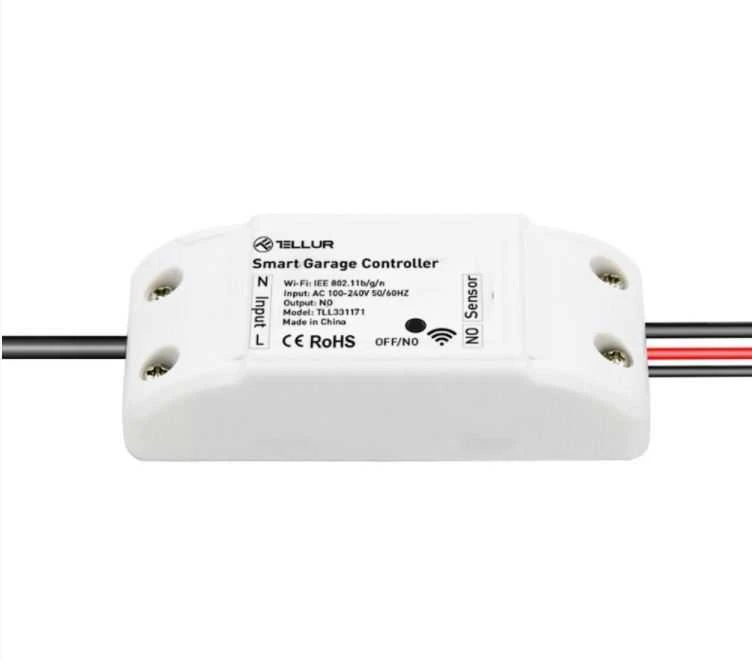
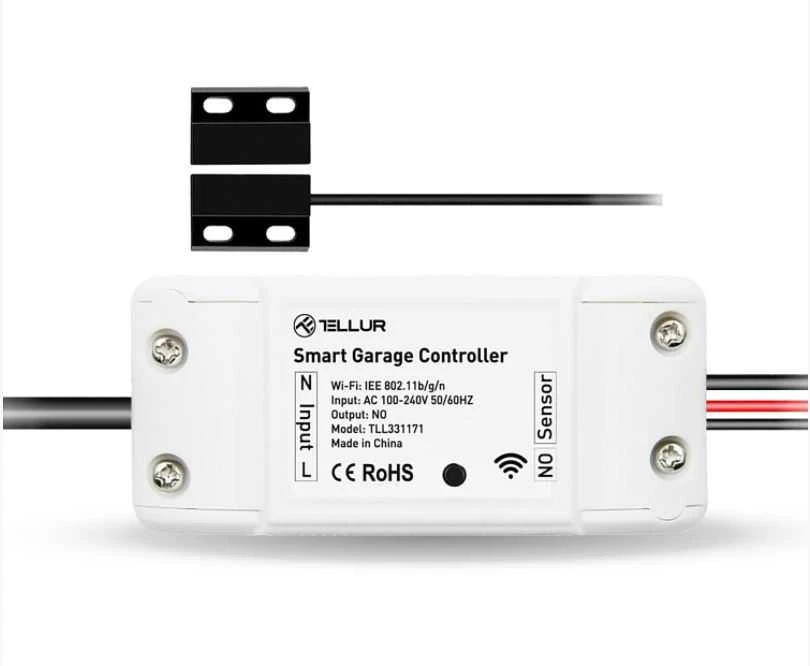
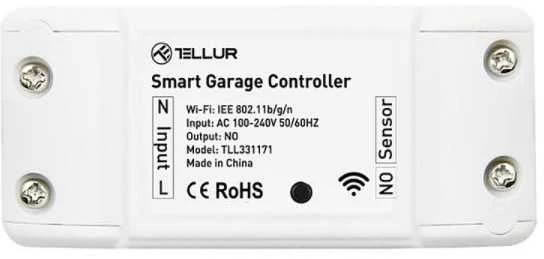
Home Control
Customization & Scenarios
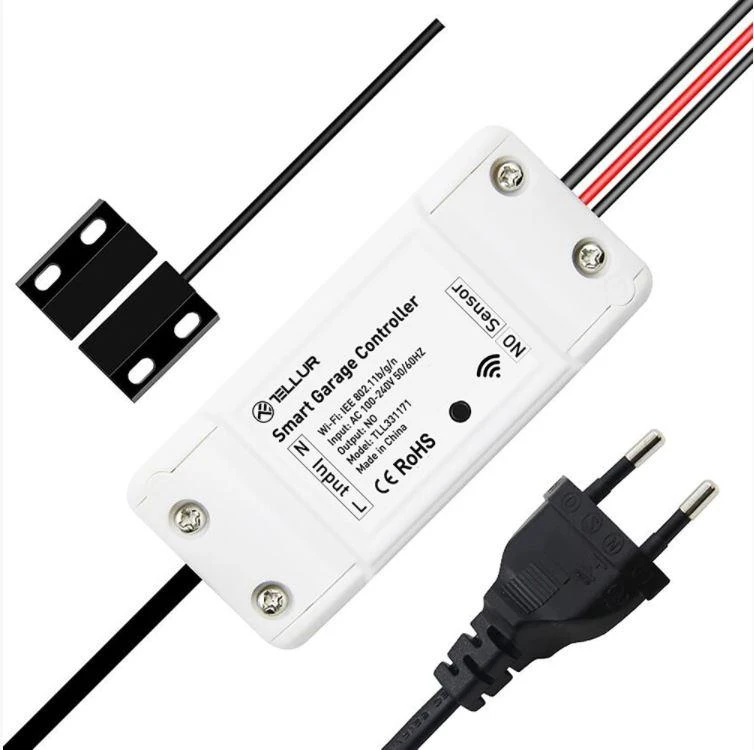
Schedule your WiFi Garage Door Control Kit or set a timer to automatically open/close your garage gate. Integrate it in smart or automation scenarios and it will automatically execute commands based on your specifications.
Push Notifications
Get notified on your smartphone every time your garage door is being opened or closed. The kit will also send push notifications to remind you to close garage gate.
Remote & Vocal Control
Control your garage door from anywhere with your smartphone – open and close the door, schedule or set timers so the kit can execute commands automatically.
Link your kit with Amazon’s Alexa or Google Assistant and control it vocally.
History Records
From Tellur Smart app you can easily access the device’s history records and see the days and hours in which the door was opened and closed.
Device Sharing
Share the device with your friends or family members and allow them to control it.
CONNECTIVITY
The WiFi Garage Door control Kit is only compatible with 2.4GHz WiFi frequencies.
EASY SET UP
Download and install the Tellur Smart App for either iOS or Android devices.
Add WiFi Garage Door control Kit
to Tellur Smart App using these simple steps below.
An installation guide is also available in the User Manual.
Automation Scenarios
An automation scenario enables your kit to execute a command automatically, based on specific conditions such as weather, sunset/sunrise, device state and many others.
For example, you can set your kit to automatically open the garage door when the outside temperature exceeds 35°C.
A smart scenario links multiple smart products and tells them how to behave with just one command. For example, a “Coming home” scenario can:
Open garage door
Turn on aroma diffuser
Set living room ceiling light to natural white
Set living room ceiling light to 80%
Turn off indoor camera
You can trigger your smart scenarios manually, via Tellur Smart app or with a simple voice command: “OK Google, execute coming home scenario”.
More about automation scenarios, here. https://smart.tellur.com/smart-app/
Tech Specs
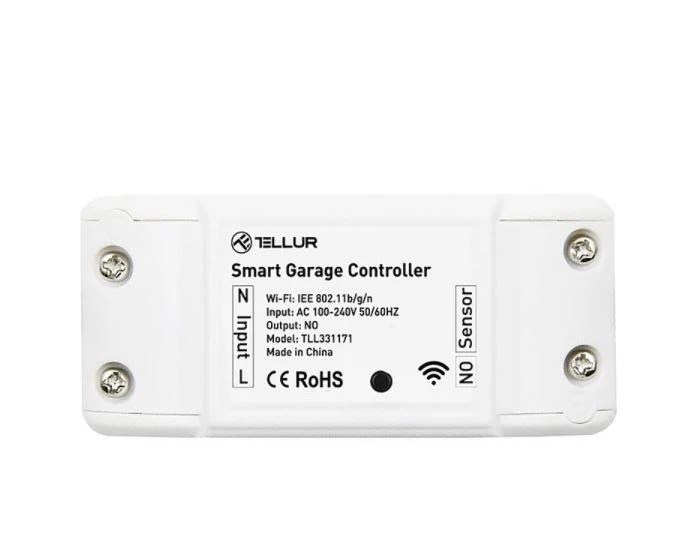
Input voltage: AC100-250V
Max current: 10A
Max power: 2200W
Remote control: Yes, using Tellur Smart app
Functions: Open/Close garage gate, Timer, Schedule
Wireless frequency: 2.4GHz
WiFi standard: IEEE 802.11b/g/n
Security: WPA-PSK/ WPA2-PSK /WPA/WPA2/WEP/WPS2/WAPI
Encryption type: WEP/TKIP/AES
Compatibility: Devices with Android 4.1 / iOS 8 or higher
Color: White
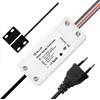
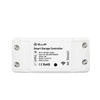
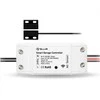
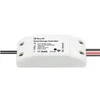
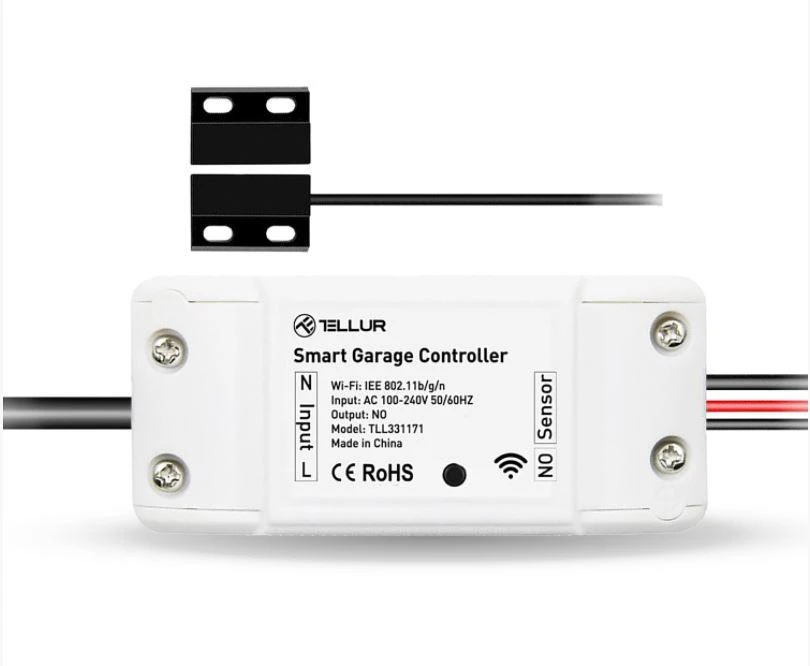
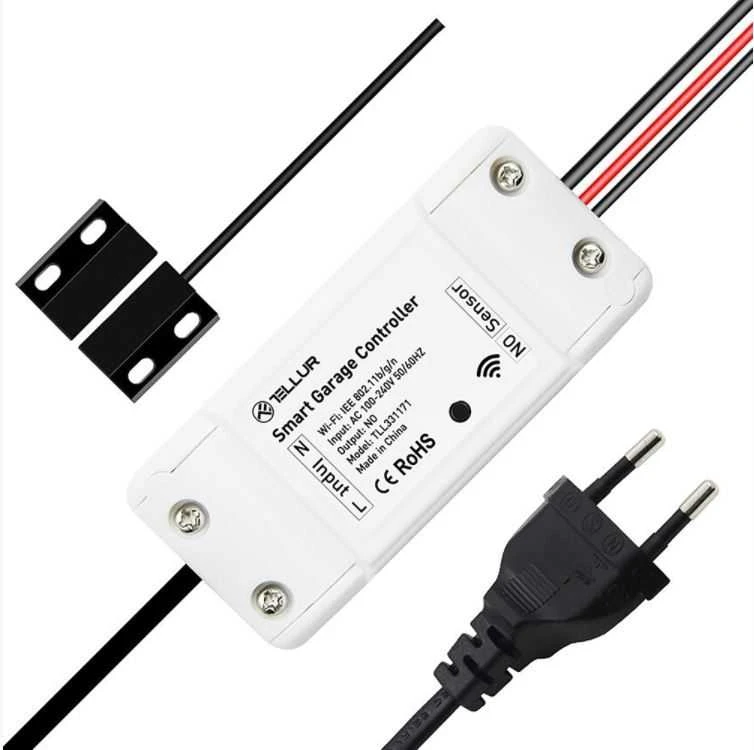
Package includes: 1x Controler Kit, 1x 3M stickers, 1x screws, 2x brackets, 1x Ties and holders
Pastebėjote klaidą prekės aprašyme ar nuotraukų galerijoje?
Praneškite mums.
Skaityti daugiauSkaityti mažiau
ChatGPT
Dirbtinio intelekto nuomonė 4
2023-08-24
0
0
Tellur WiFi garažo durų valdymo rinkinys yra labai patogus ir funkcionalus įrenginys.
Pliusai:Galima valdyti garažo duris nuotoliniu būdu per WiFi ryšį.
Palaiko daugelį mobiliųjų įrenginių platformų, tokių kaip iOS ir Android.
Suteikia galimybę stebėti ir valdyti garažo duris bet kur ir bet kada.
Minusai:Nėra integruoto baterijos, todėl reikalingas pastovus elektros šaltinis.
1. Kaip valdyti garazo vartus iš bet kurios vietos?
Tellur WiFi Garage Door Control Kit leidžia nuotoliniu būdu valdyti vartus naudojant išmanųjį telefoną. Šis prietaisas veikia per specialią programėlę, kuria galite atidaryti ar uždaryti garažo duris. Valdymas pasiekiamas iš viso pasaulio, tereikia interneto ryšio.
2. Ar šis rinkinys siunčia pranešimus į telefoną?
Taip, šis garažo vartų valdymo komplektas siunčia pranešimus į jūsų mobilųjį įrenginį. Gavėjas bus informuotas apie kiekvieną vartų atidarymo ar uždarymo veiksmą. Sistema taip pat primins, jei pamiršote uždaryti garažo duris.
3. Ar galima kurti automatinius scenarijus?
Komplektas palaiko automatinio valdymo scenarijų kūrimą. Galite nustatyti, kad vartai atsidarytų ar užsidarytų pagal laikmatį, orų sąlygas ar kitus nurodytus parametrus. Tai leidžia sukurti patogų ir individualų valdymo procesą be pastovaus rankinio įsikišimo.
4. Ar prietaisą galima valdyti balsu?
Garazo vartų valdiklis palaiko balso valdymą. Jį galima susieti su populiariais asistentais, tokiais kaip Amazon Alexa ar Google Assistant. Tada pakaks duoti balso komandą, pavyzdžiui, paprašyti atidaryti vartus, ir sistema ją įvykdys.
5. Kaip peržiūrėti vartų naudojimo istoriją?
Visą įrenginio veiklos istoriją galima lengvai peržiūrėti programėlėje. Ten matysite tikslų laiką ir datas, kada buvo atliekami atidarymo bei uždarymo veiksmai. Ši informacija padeda sekti garažo durų naudojimo dažnumą ir laiką.