 Pagalba
 Kontaktai
 Atsiliepimai
 Verslui
 Varlė
Varlė


Krepšelis tuščias
Turite Varlės paskyrą?
Prisijunkite, kad pamatytumėte krepšelio turinį
Prisijungti

 Visos prekės


 Krepšelis
Tuščias
Prekių
Krepšelis
Krepšelis
Tuščias
Prekių
Krepšelis
Prisijunkite, kad pamatytumėte krepšelio turinį
Prisijungti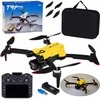
 4.6
4.6

 4.6
4.6

*„Kainos kitur iki“ – tai didžiausia šios prekės kaina, matoma kainų palyginimo svetainėje kainos.lt. Informacija atnaujinta 2026 09 30 - 21:43:31.
Kitų pardavėjų pasiūlymai nuo 57. 88 € (2)
 Į krepšelį
*„Kainos kitur iki“ – tai didžiausia šios prekės kaina, matoma kainų palyginimo svetainėje kainos.lt. Informacija atnaujinta 2026 09 30 - 21:43:31.

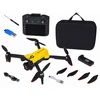
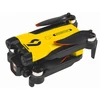
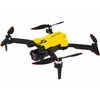
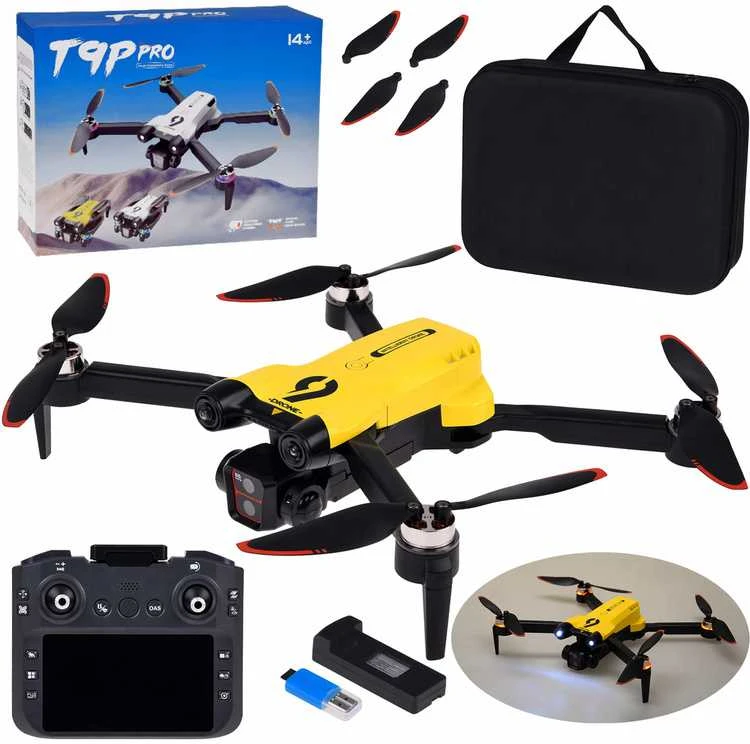
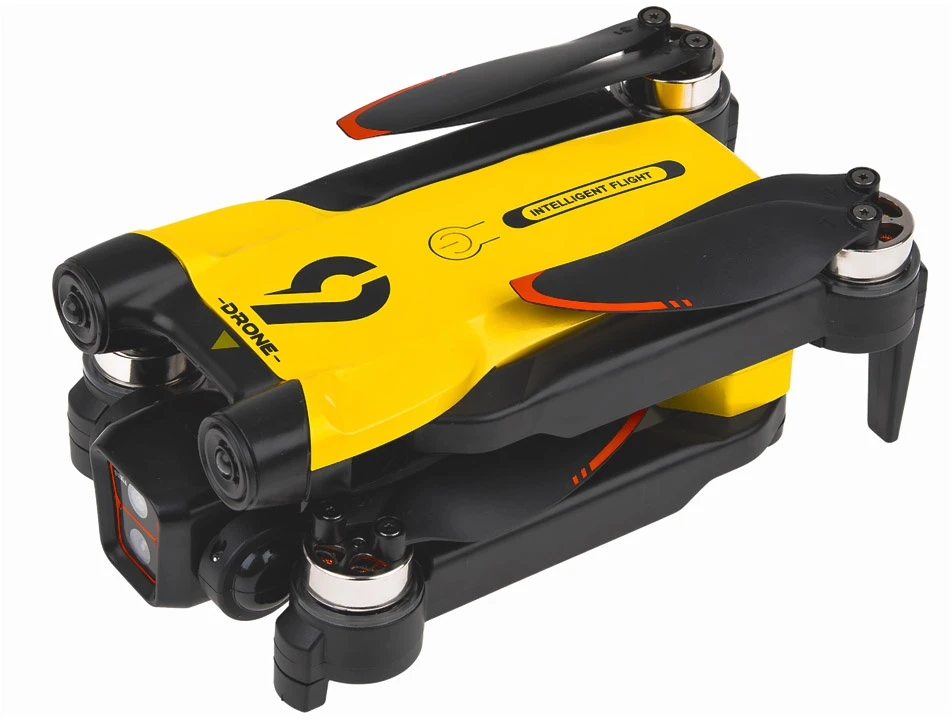
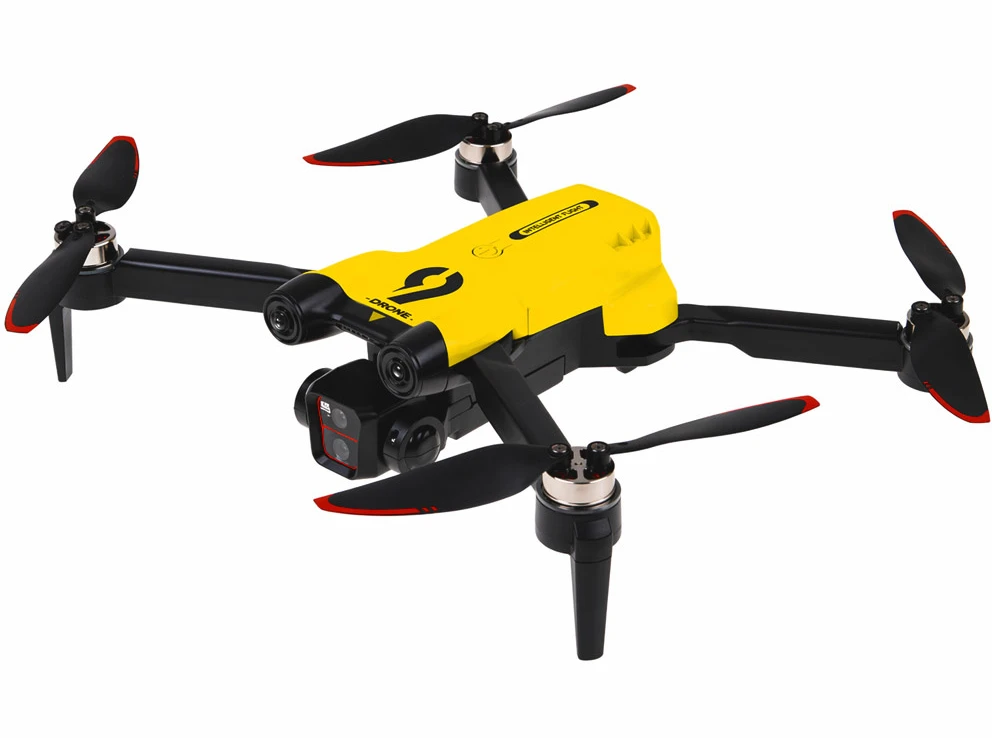
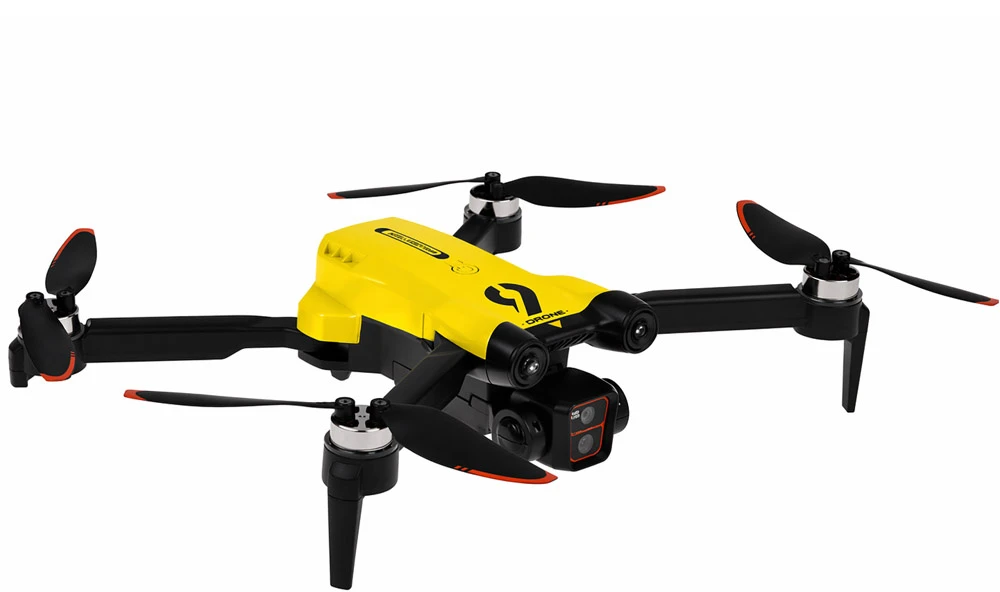
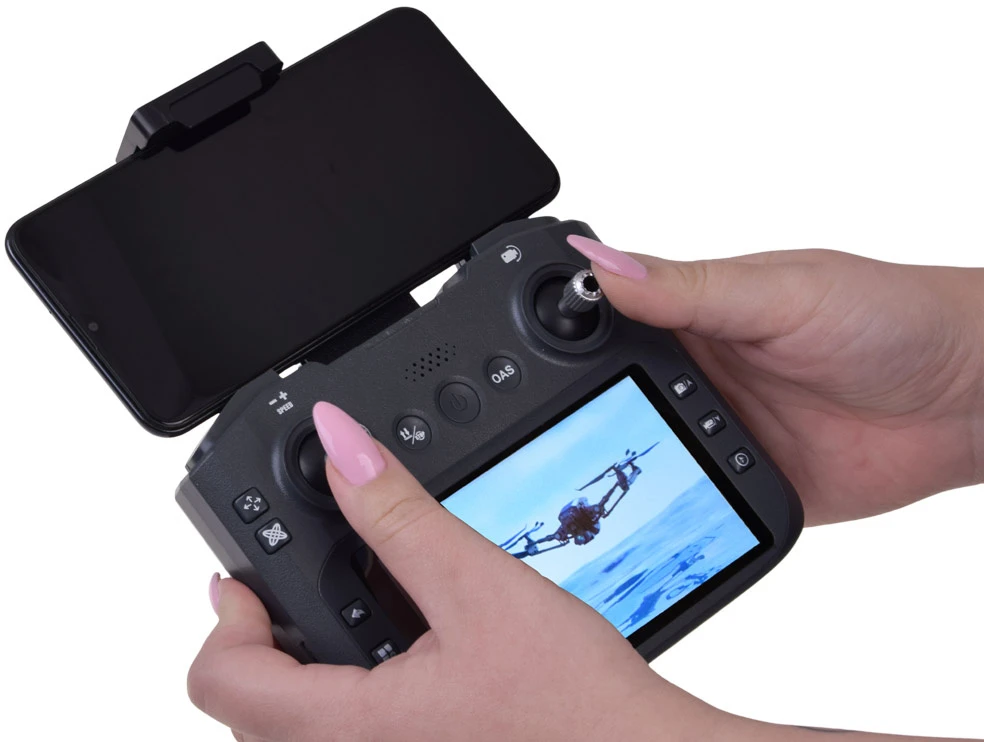
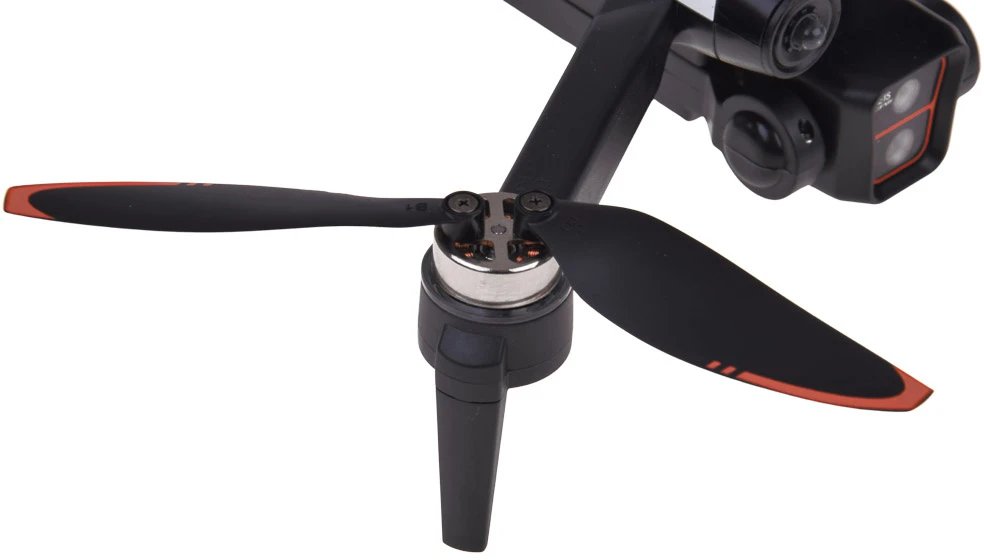
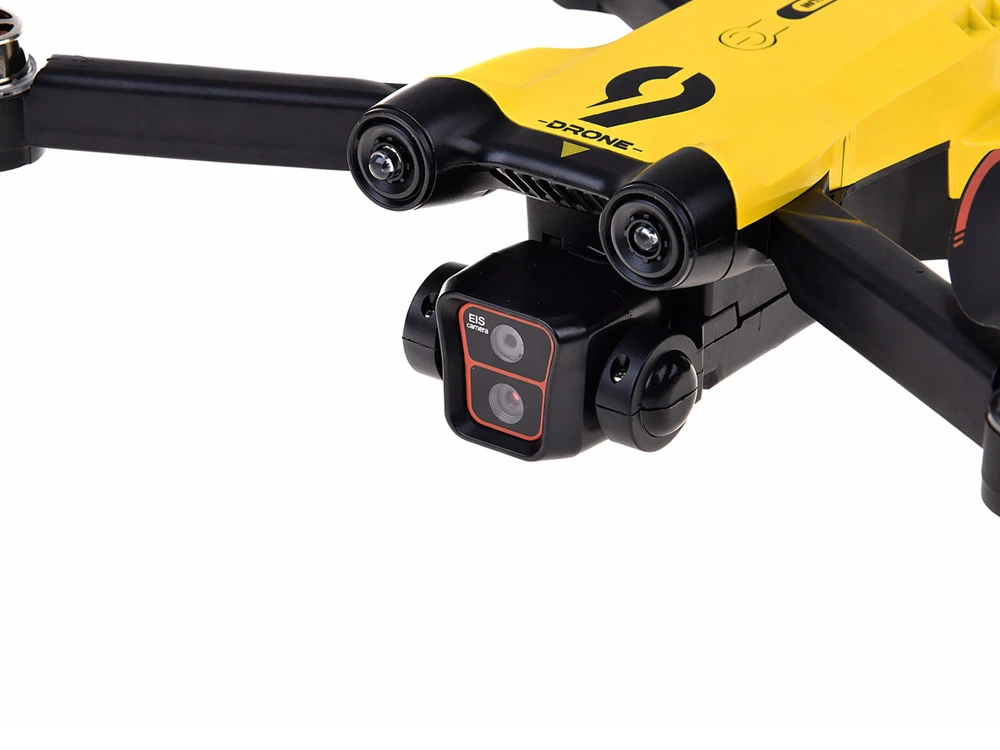
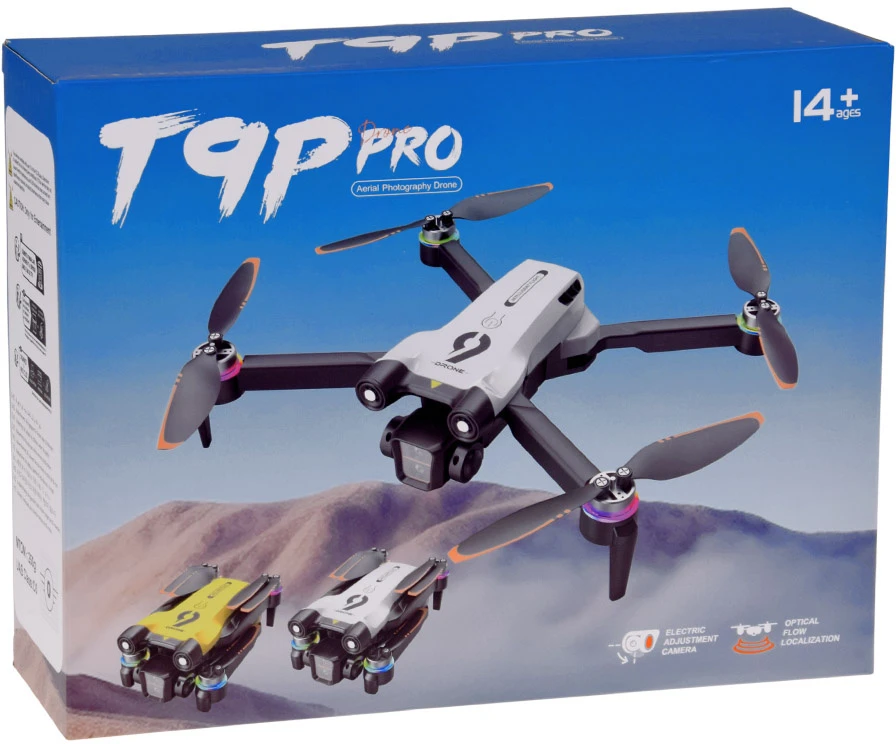
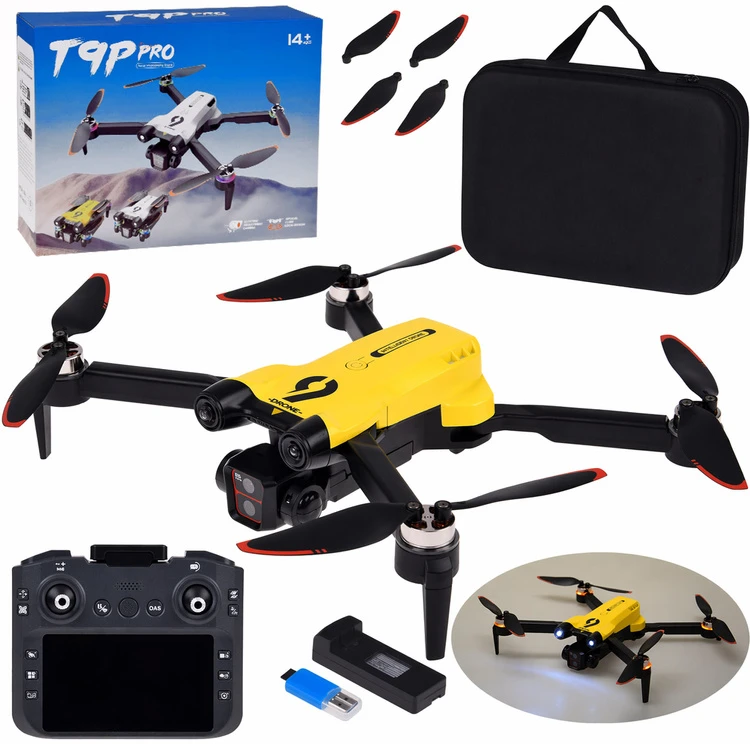
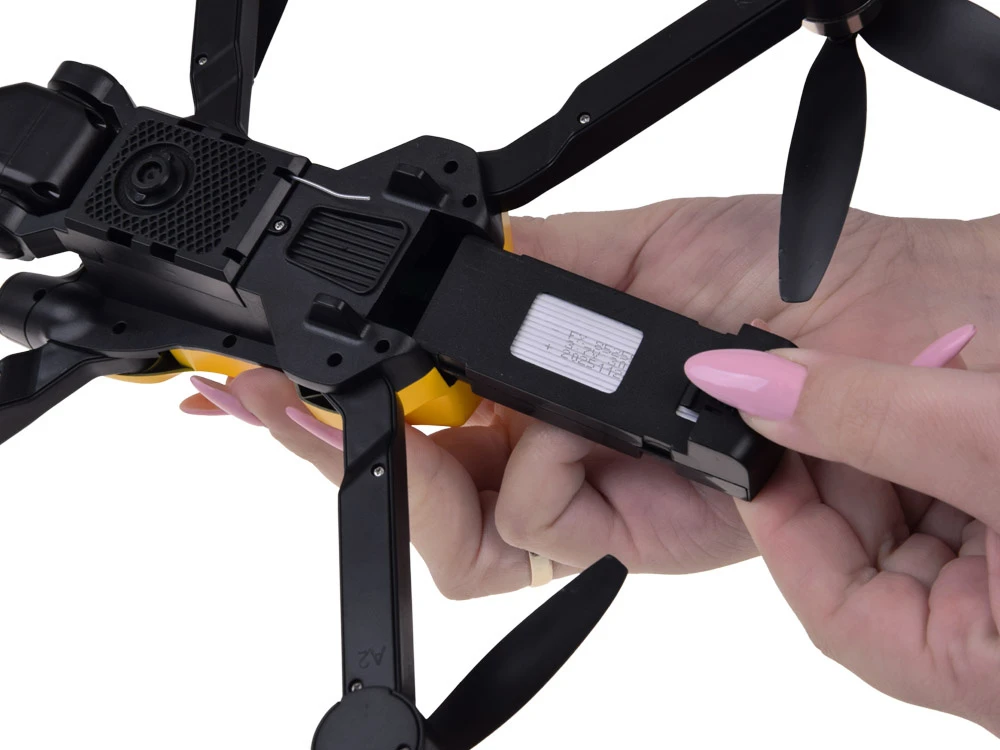
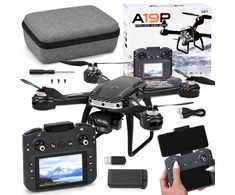
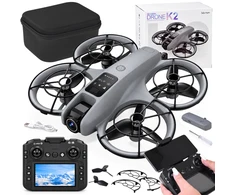
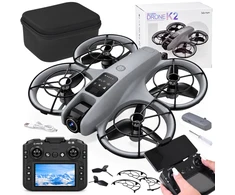
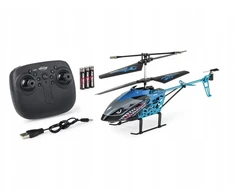
Foldable Quadcopter with Camera for Aerial Photography
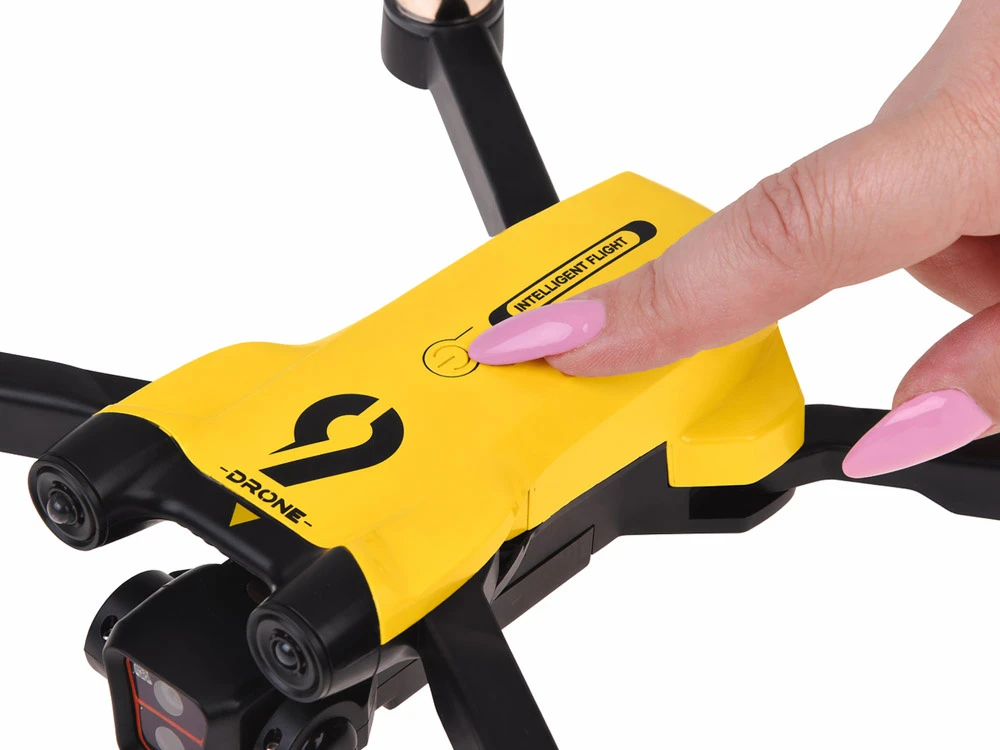
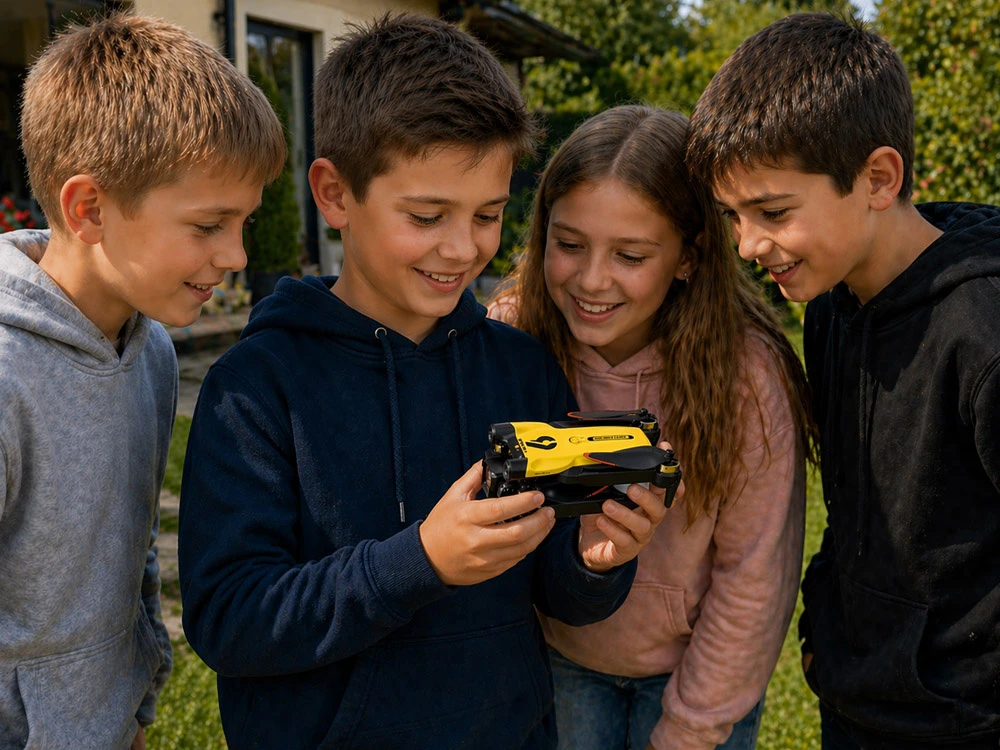
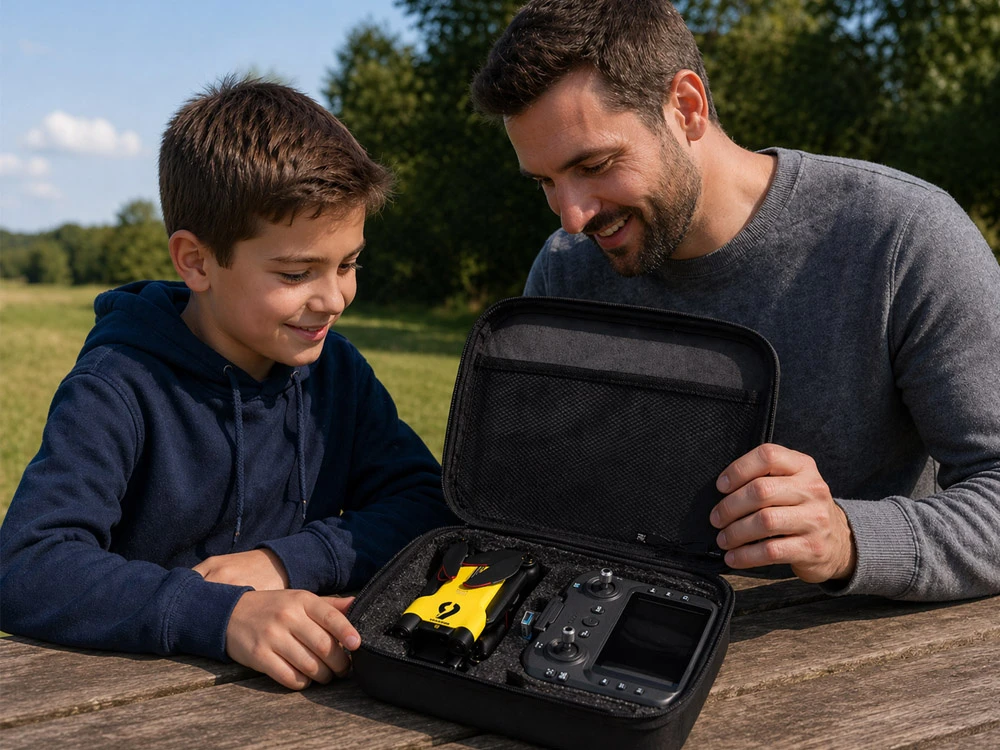
A modern, foldable drone designed for users aged 14 and up. It combines a lightweight design with easy operation and flight-assisting features, making it suitable for both beginners and more advanced users.
Operation Functions
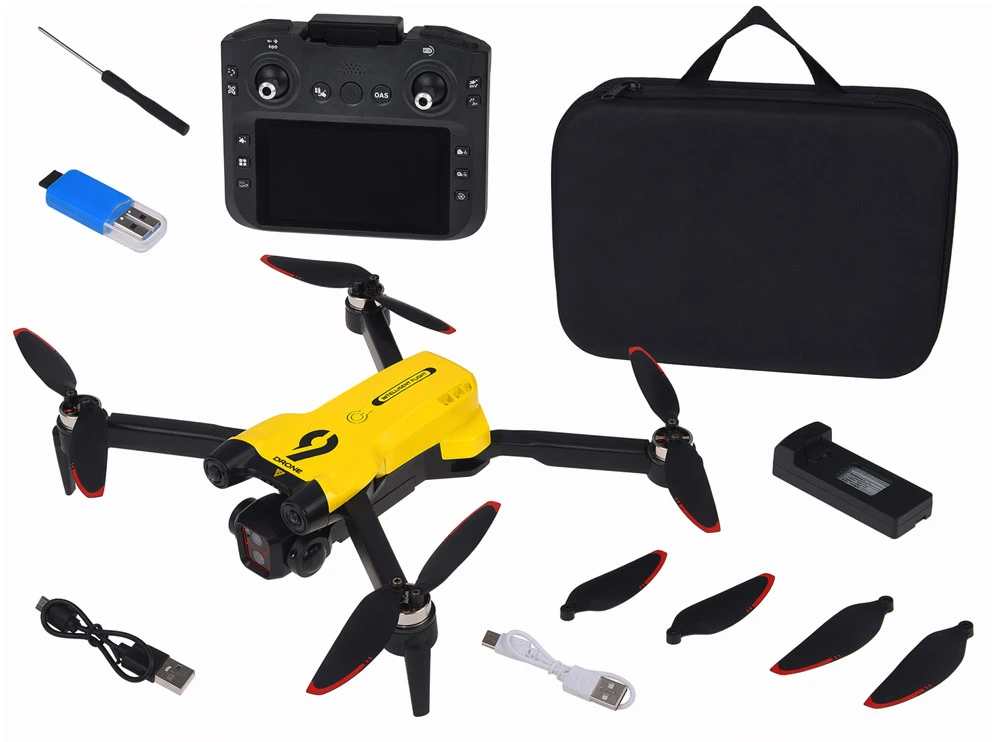
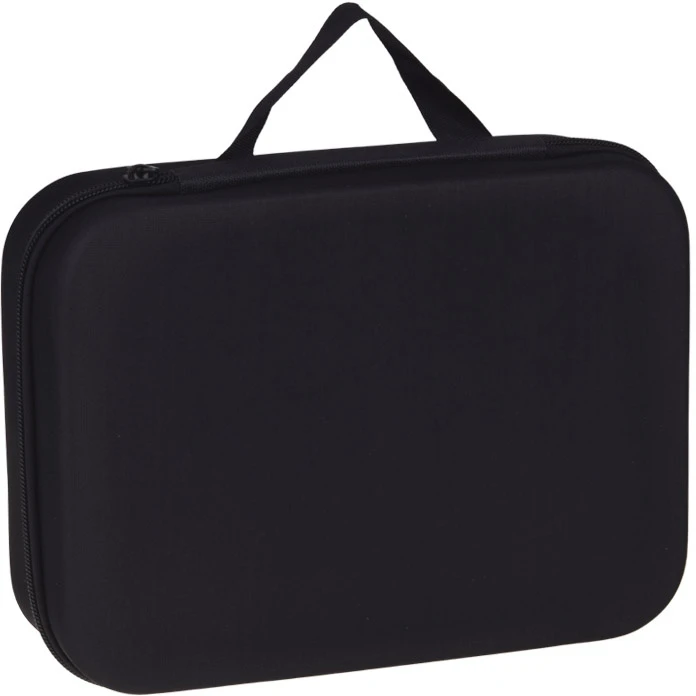
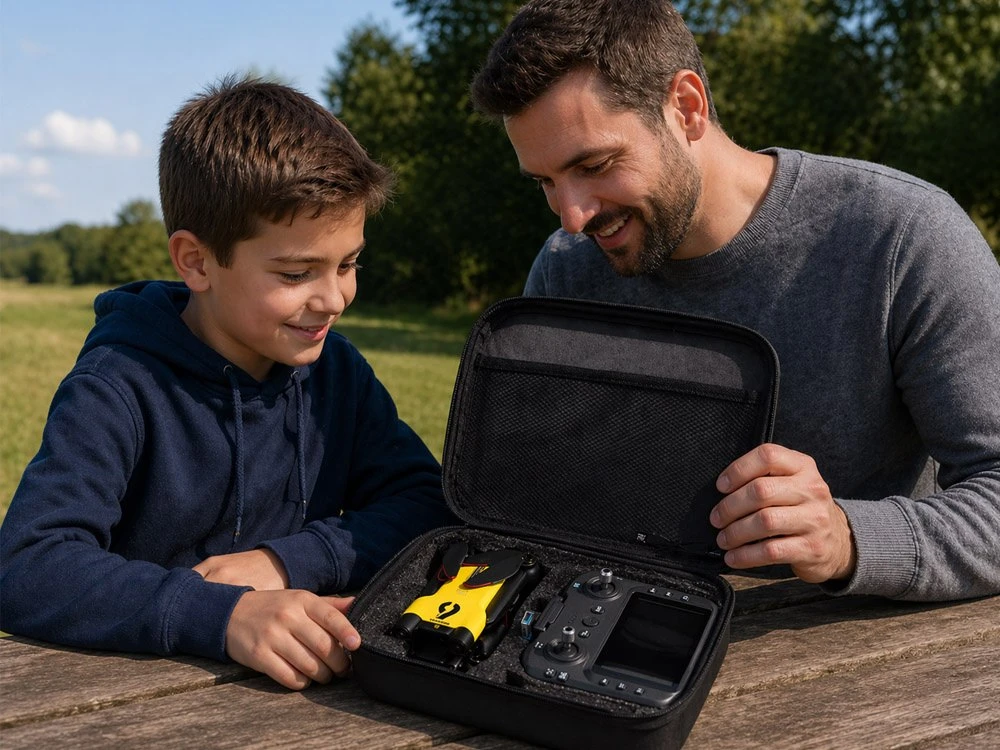
Package Includes:
Simple User Instructions
Safety & Usage:
Tips:
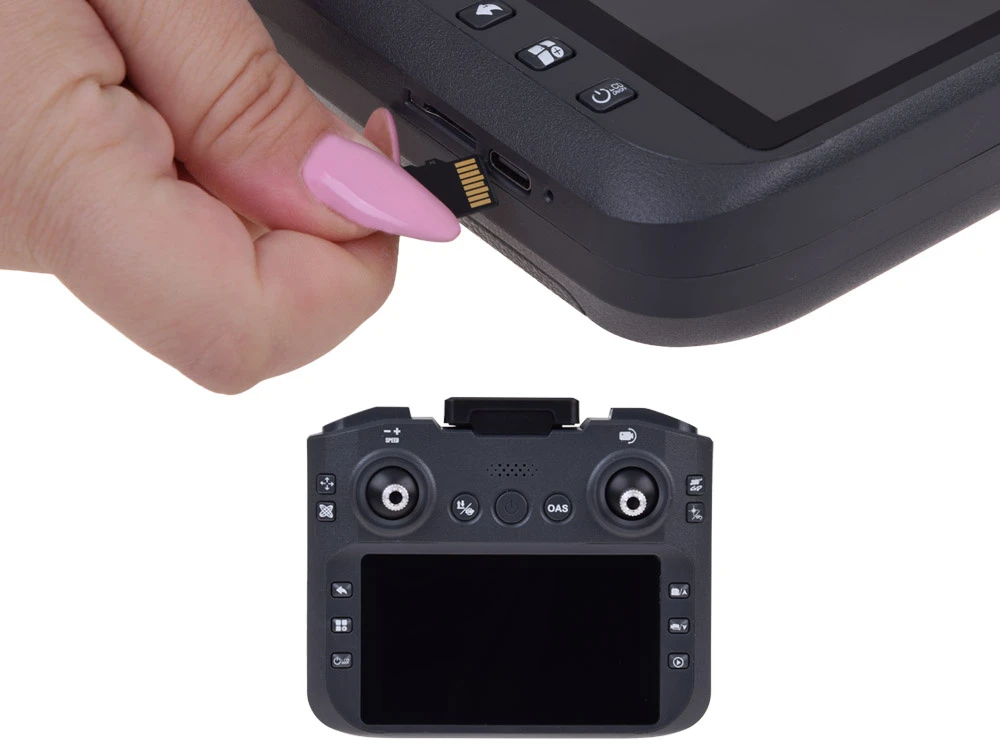
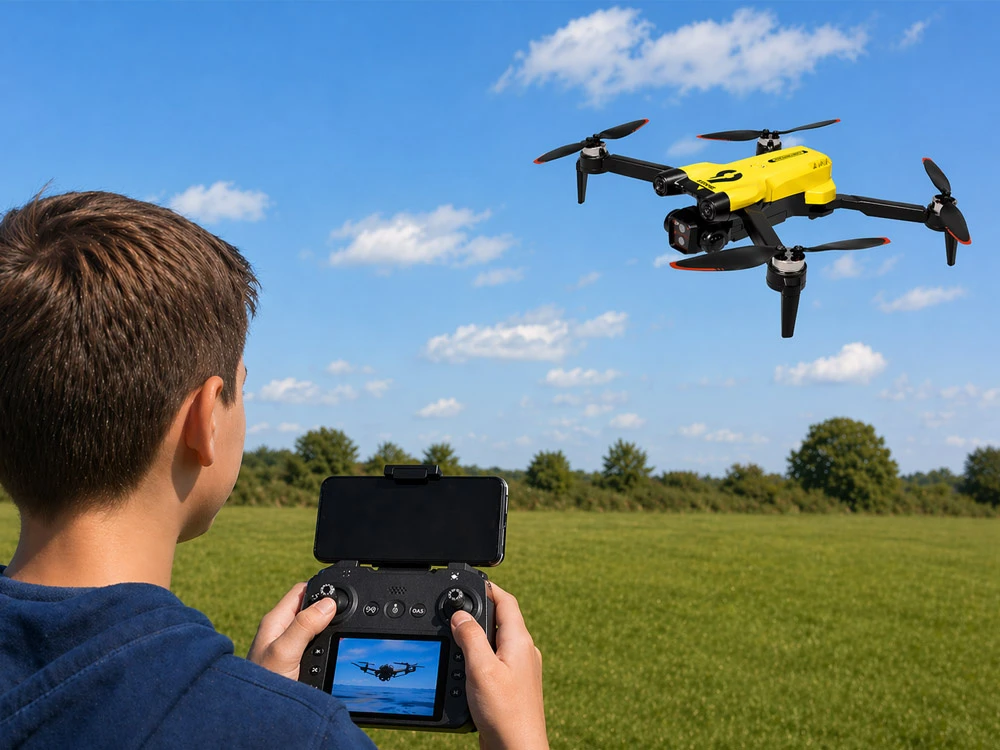
The set includes a remote controller with a built-in screen for easy viewing of aerial footage. It can also switch to viewing via a smartphone. The app is available on the App Store and Google Play.
By default, the camera connects to the controller screen for live transmission. To connect to a phone, first turn on the screen, then connect your phone to the drone’s Wi-Fi network.
To take photos or record videos, insert a memory card.
This is a practical and compact drone offering many features while remaining easy to use—perfect for learning to fly and for recreational aerial recording.

 Dirbtinio intelekto nuomonė
2026-08-08
Dirbtinio intelekto nuomonė
2026-08-08
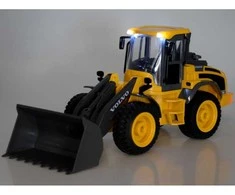 4-6 d. d.
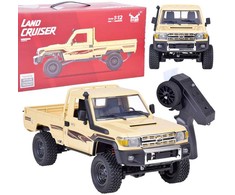
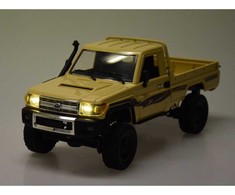
 5.0
4-6 d. d.
5.0
4-6 d. d.
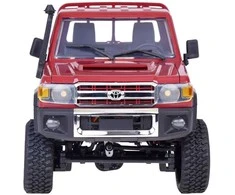
 4-6 d. d.
 4-6 d. d.
 5.0
4-6 d. d.
5.0
4-6 d. d.
 4-6 d. d.
 4-6 d. d.

 3-6 d. d.


 Išpardavimas
5-8 d. d.
Išpardavimas
5-8 d. d.
 5.0
2-3 d. d.
5.0
2-3 d. d.
 5.0
2-3 d. d.
5.0
2-3 d. d.
 5.0
2-5 d. d.
5.0
2-5 d. d.
 5.0
1-3 d. d.
5.0
1-3 d. d.
 4.7
2-5 d. d.
4.7
2-5 d. d.
 2-4 d. d.
 5.0
2-5 d. d.
5.0
2-5 d. d.
 5.0
6-7 d. d.
5.0
6-7 d. d.


 Atsiėmimas Venipak paštomate spalio 9 d.
 Atsiėmimas LP Express paštomate spalio 9 d.
 Smartpost paštomate spalio 9 d.
 Atsiėmimas Omniva paštomate spalio 9 d.
 DPD atsiėmimo taškas spalio 9 d.


